






Telegram is the home of crypto communities, content channels and automation — where one person often runs dozens of accounts for airdrops, channel management or bots. But without a proxy for Telegram, those accounts are easily limited, wiping out months of airdrop work.
Telegram + proxy: why you need it
High-Speed Proxy - Ready to Try?
ALGO Proxy offers residential, datacenter & 4G proxies in 195+ countries
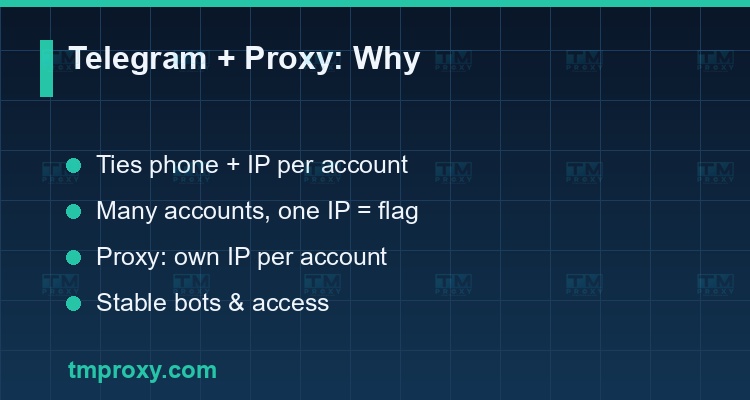
Telegram ties each account to a phone number and tracks the IP address and login behavior. When you run many accounts — very common in crypto (airdrops, retroactive), managing multiple channels/groups, or running bots — all coming from one IP is a clear abnormal signal.
A proxy for Telegram gives each account its own IP address, so they look like they're used by many people in many places. This is the basic protection that helps:
- Farm many accounts without being linked and limited in bulk.
- Access Telegram reliably where the network blocks it.
- Keep bots and automation running continuously without being flagged.
Unlike many platforms, Telegram supports proxies right inside the app — which makes configuring a Telegram proxy especially convenient.
How does Telegram support proxies? (SOCKS5 & MTProto)
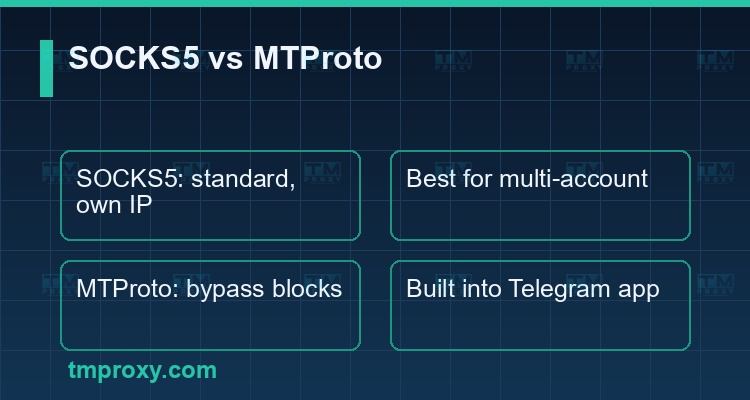
Telegram lets you attach a proxy directly in settings, in two types:
- SOCKS5 — the standard proxy protocol. You enter host, port, user/password. This is the type used to route each account through its own IP (ideal with residential proxies).
- MTProto — Telegram's own proxy protocol, disguising traffic so it's hard to block where Telegram is restricted. MTProto leans toward "bypassing access blocks" rather than "providing a clean separate IP per account."
Key distinction: if your goal is farming many accounts with clean separate IPs, use SOCKS5 from residential proxies. If you only need to reach Telegram when blocked, MTProto is enough. Most MMO/crypto users need the former.
Why do multiple Telegram accounts get limited?
Understand the cause to prevent it. Telegram accounts get limited/banned because of:
- Many accounts sharing one IP — a clear sign of mass account farming.
- Dirty or datacenter IPs — already-flagged or easily recognized ranges.
- Machine-like behavior — joining groups, sending messages, reacting too fast and evenly (especially when farming airdrops).
- Low-quality virtual phone numbers — registering with junk numbers is easily flagged.
- No device isolation — many accounts sharing one fingerprint on one machine.
For airdrop hunters, losing an account means losing the reward farmed over months — so prevention is far cheaper than redoing it.
Which proxy type for Telegram?
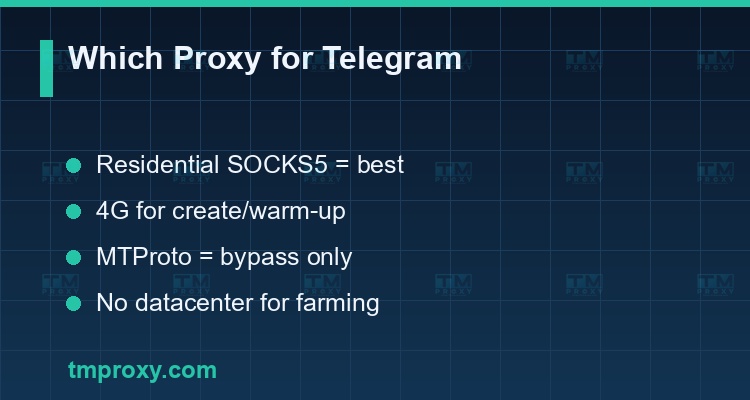
- Residential proxies (SOCKS5), one IP per account — best for farming and airdrops; real IPs, hard to detect.
- 4G/mobile proxies — high-trust mobile IPs, good for the create/warm-up phase of new accounts.
- MTProto proxy — for bypassing access blocks, not a replacement for the "own IP" role of residential SOCKS5.
- Datacenter proxies — not recommended for farming: easily limited.
Step-by-step proxy setup for Telegram
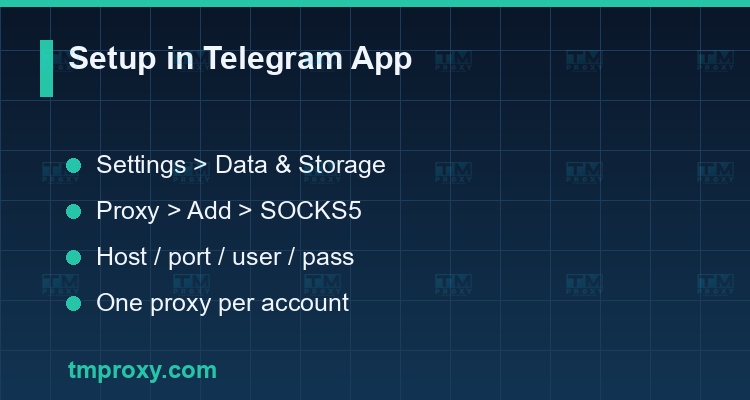
Telegram's built-in support makes setup fast:
- Open Settings > Data and Storage > Proxy Settings.
- Choose Add Proxy > SOCKS5.
- Enter the host, port and username/password from your proxy provider.
- Enable the proxy and check the connection (Telegram shows Connected).
- Use one proxy per account — especially when running many accounts on one device or anti-detect browser.
What an anti-detect browser is and why you need it for farming
Use cases: crypto airdrops, channel management, bots
Telegram + proxy serves many real needs:
- Crypto airdrops/retroactive — run many wallets/accounts to claim rewards, each with its own IP so none is disqualified for IP overlap.
- Managing many channels/groups — admin many communities without linking accounts.
- Bots & automation — keep bots running stably, avoid per-IP rate limits.
- Public channel data collection — combine with rotating proxies to crawl without being blocked.
- Access when blocked — MTProto or a regular proxy to reach Telegram on restricted networks.
Managing multiple Telegram accounts: Do's & Don'ts
Do:
- One IP per account (residential SOCKS5), kept stable.
- Register with quality phone numbers, warm up accounts slowly.
- Isolate fingerprints when running many accounts on one machine.
Don't:
- Share one proxy/IP across many accounts.
- Farm airdrops with cheap datacenter IPs.
- Join hundreds of groups or spam while an account is brand new.
At dozens of accounts, keep a tracking sheet — IP, proxy, phone number, status — because management discipline determines the survival rate.
Farming Telegram airdrops safely — why one IP per account is mandatory
Most people looking for a Telegram proxy want to farm airdrops: creating many accounts (and wallets) to increase reward eligibility from crypto projects. This is also the riskiest moment, because projects increasingly tighten anti-sybil filtering:
- IP filtering — many accounts on one IP are treated as one person and removed from the reward list. This is the number-one reason farming efforts collapse.
- Behavior filtering — accounts joining/claiming in identical patterns at the same time get flagged as sybil.
- Device filtering — many accounts sharing one fingerprint on one machine.
How to farm safely:
- One residential SOCKS5 proxy per account — real, different IPs, ideally spread across regions.
- One profile/device per account — isolate fingerprints with an anti-detect browser or separate device.
- Stagger timing and vary behavior — don't claim simultaneously; mimic real human rhythm.
- Keep sessions stable — bind one account to one IP throughout the campaign, no mid-way IP jumps.
The proxy cost for an airdrop campaign is far smaller than the rewards of a few dozen valid accounts — so it's an investment, not an expense. Likewise, if you need to collect data from public channels/groups on Telegram (tracking market signals, competitors), use rotating proxies to crawl without per-IP limits.
TMProxy for Telegram
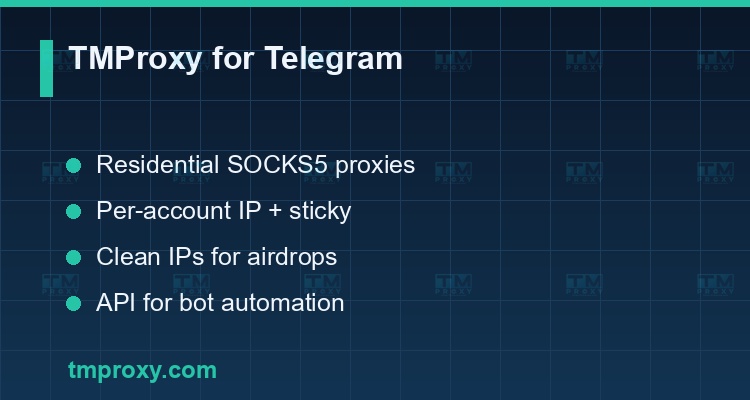
TMProxy provides residential proxies with SOCKS5 — exactly what Telegram needs to farm multiple accounts:
| Telegram need | TMProxy delivers |
|---|---|
| SOCKS5 for the Telegram app | Residential proxies with SOCKS5, attach directly in Telegram |
| Own IP per account | Per-account IP assignment, stable sessions |
| Clean IPs for airdrops | Not carelessly shared, less flagged |
| Bot automation | API to integrate into account-management tools |
Pairing TMProxy (residential SOCKS5) with an anti-detect browser (fingerprint) gives you a complete foundation to farm and operate many Telegram accounts safely for crypto and channel management.
Conclusion: Telegram supports proxies right in the app (SOCKS5 and MTProto), but that convenience doesn't replace the core rule: one clean IP per account. Use SOCKS5 from residential proxies for farming and airdrops, MTProto when you need to bypass blocks, and always combine fingerprint isolation — that's how you keep a whole fleet of Telegram accounts alive.