





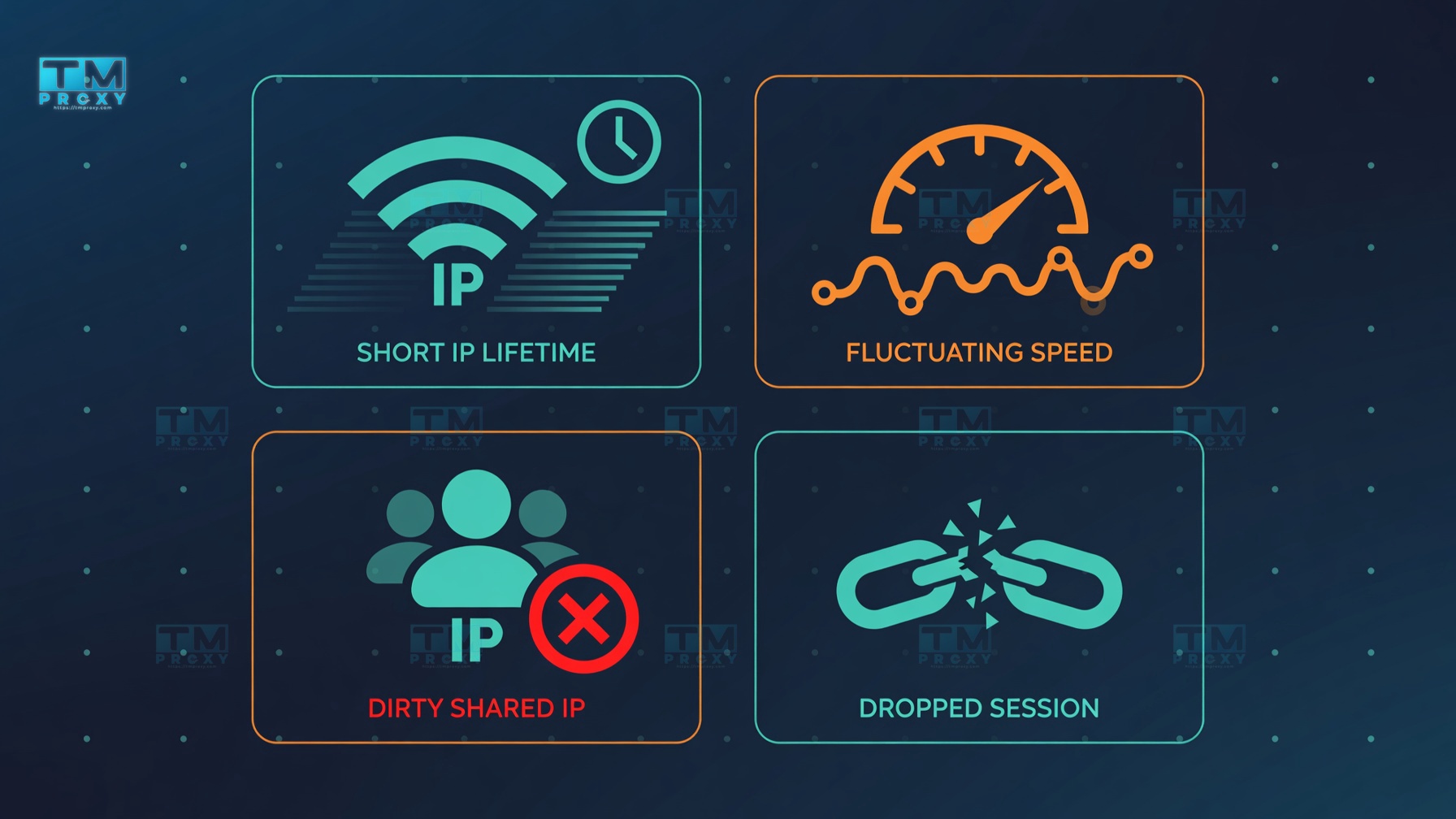
Residential proxies are considered the hardest type of proxy to detect, but they are far from "risk-free." Understanding the real weaknesses of residential proxies — especially the fact that IPs don't last long and must rotate constantly — is what separates users who succeed from those who lose accounts and data.
What Are the Risks of Using a Residential Proxy?
High-Speed Proxy - Ready to Try?
ALGO Proxy offers residential, datacenter & 4G proxies in 195+ countries
The biggest risk with residential proxies is IP instability: the IP is borrowed from a real end-user device, which means it can disappear at any moment and force you to rotate to a different one. This is the trade-off for the "looks like a real person" quality that makes residential proxies so valuable.
A quick summary of the key risks:
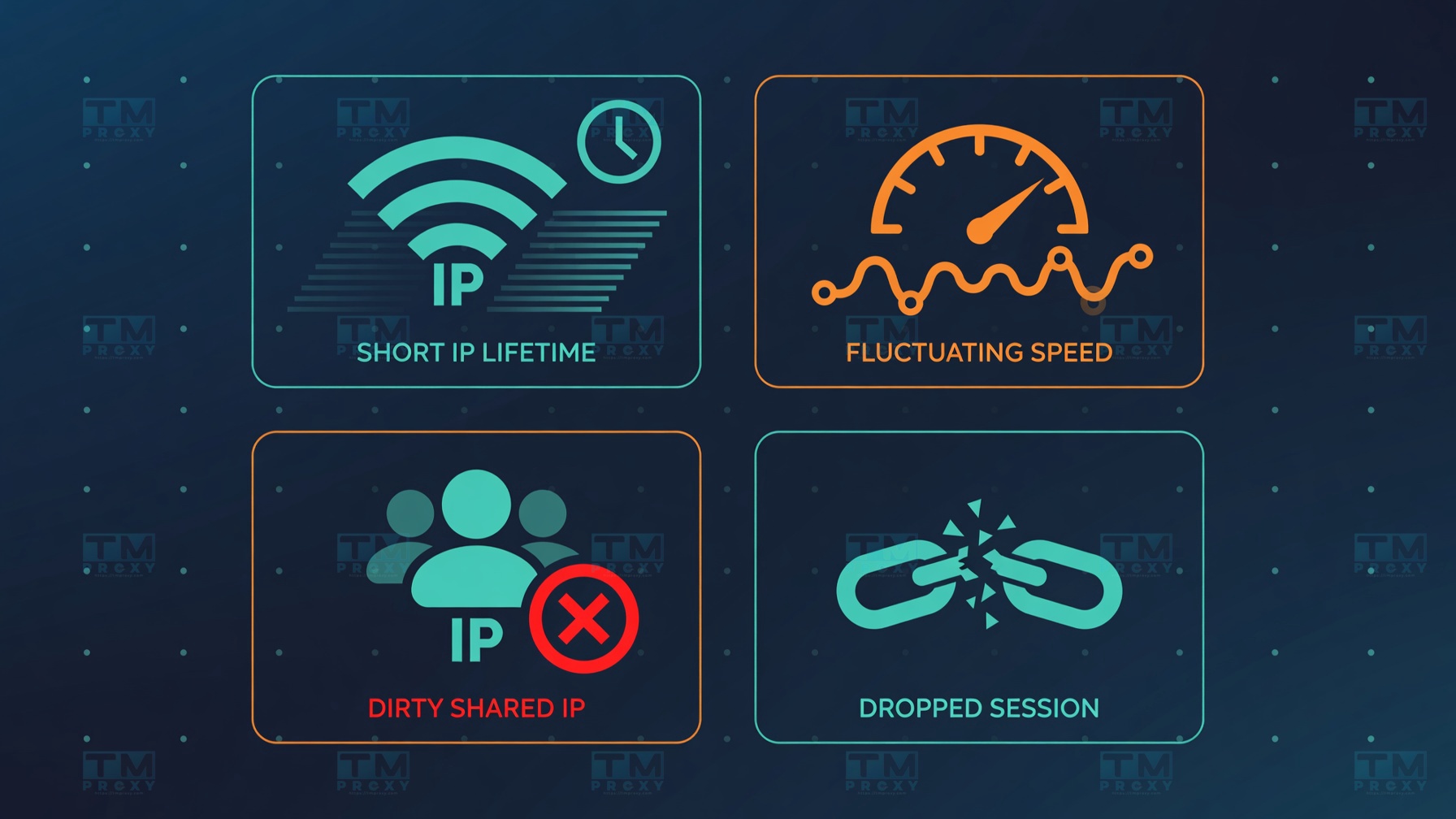
- IPs don't last long — the source device goes offline and the IP is gone.
- Constant IP rotation — harmful if you're nurturing accounts.
- Unstable speed and latency — dependent on a household's internet connection.
- Shared IPs may already be "dirty" — previously blacklisted by platforms.
- Security risks — if you use a provider that logs traffic or a free proxy service.
The rest of this article breaks down each risk and explains how to minimize it.
Why Can't You Keep a Residential Proxy IP for Long?
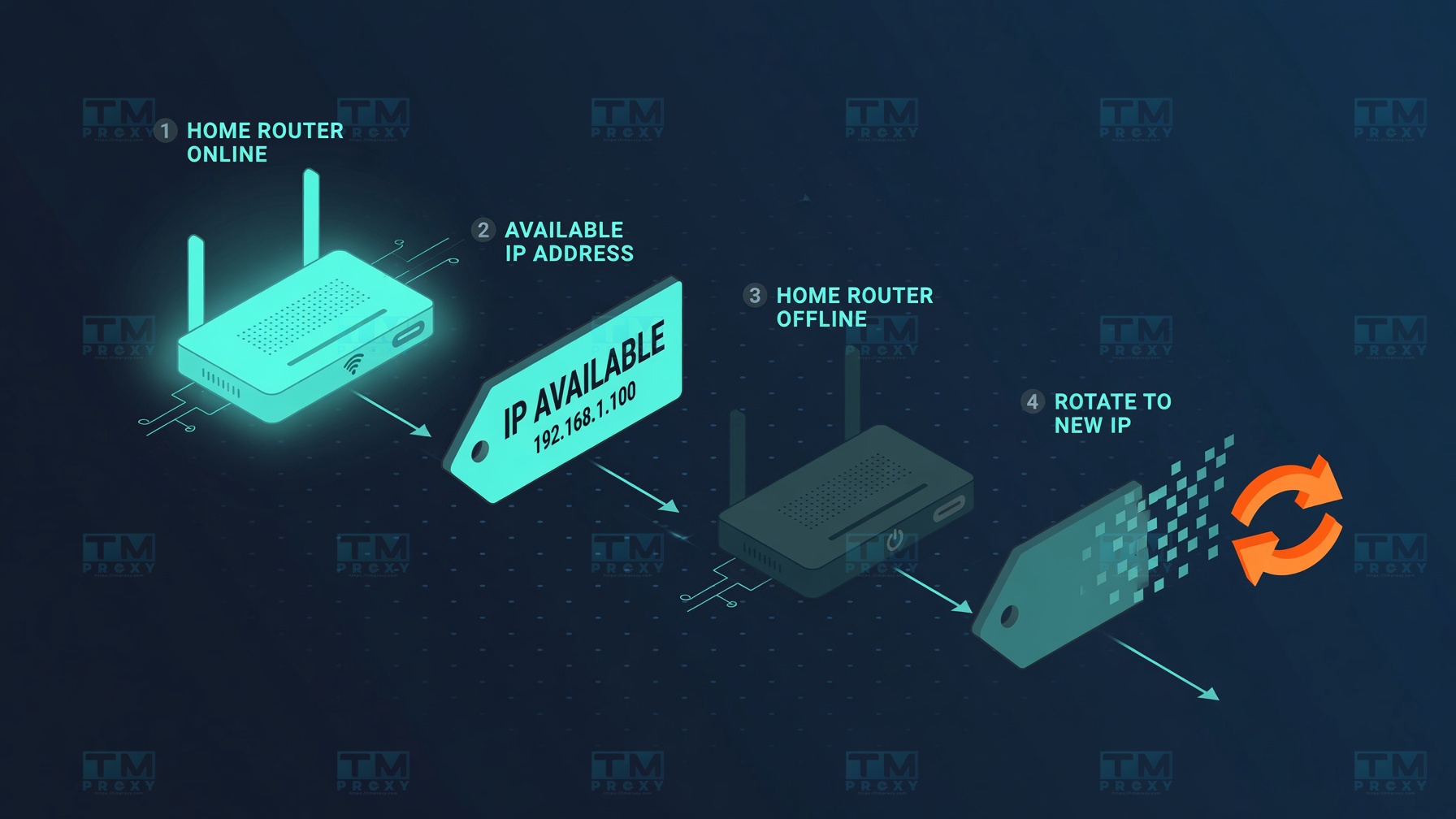
To understand the risk, you need to understand the underlying technology. Residential proxies use real IPs assigned by ISPs (Viettel, VNPT, FPT, etc.) to household devices — routers, phones, and computers belonging to ordinary users. When you connect through a residential proxy, you are essentially "borrowing" that device's internet connection.
The problem is that the device owner has full control over their own hardware: they can shut it down, disconnect from the network, go to sleep, or have their ISP reassign a new dynamic IP at the start of a new session. When any of this happens, the IP you were using is no longer available and the system must assign you a different one.
This is exactly why residential proxies rotate continuously by design — it is not a sign of poor service quality. Compared to datacenter proxies (where static IPs sit in a data center and can be held indefinitely), residential IPs have much shorter and less predictable lifespans.
Six Common Risks When Using Residential Proxies
Beyond IP instability, users of residential proxies regularly encounter these additional risks:
- Forced, unpredictable IP changes. A rotating IP pool means you cannot always know where your next IP is located or which ISP it belongs to.
- Fluctuating speed and latency. Because traffic routes through a household internet connection, speed depends on that household's network quality — it can be fast or slow, and it can't be guaranteed the way datacenter bandwidth can.
- Shared IPs may already be flagged. If other users have previously used an IP in the pool for harmful or abusive purposes, that IP may already appear on blacklists maintained by Google, Facebook, or e-commerce platforms.
- Mid-session drops. When an IP in use suddenly becomes unavailable, an in-progress action — a login, a payment, an upload — may fail or trigger a security alert.
- Poor geographic consistency. A rotating IP can jump between different provinces within minutes, making an account that was "in Hanoi" suddenly "appear in Ho Chi Minh City" — a red flag for anti-fraud systems.
- Legal and compliance risk. Even with a clean IP, it's your activity that determines legality. Scraping publicly available data is generally fine; violating a platform's terms of service can still get you penalized.
| Proxy Type | IP Lifespan | Session Stability | Risk of Mid-Session Drop |
|---|---|---|---|
| Rotating residential | Short, unpredictable | Low | High |
| Sticky session residential | Configurable (minutes–hours) | High | Low |
| Static residential / ISP | Long, fixed | Very high | Very low |
Takeaway: for account nurturing, prioritize sticky sessions or static proxies over free-rotating IPs.
Security and Privacy Risks
This is the most overlooked risk category. Because all of your traffic passes through the proxy server, a malicious provider can see, log, or tamper with that data. Specific danger scenarios:
- Free proxies that "charge you with your data." Many free residential proxies monetize by logging traffic, injecting ads, or reselling user data. "Free" really means you're paying with your own information.
- Opaque IP pools. Some low-cost providers build their pools by silently installing software on other people's devices. Using these pools implicates you in a non-transparent IP source.
- No no-log commitment. If a provider's terms of service do not explicitly state "we do not store IPs, timestamps, or content," you have no assurance your data is safe.
How to Reduce the Risks of Using Residential Proxies
Most of the risks above can be substantially reduced by using proxies correctly and choosing the right provider. A practical checklist:
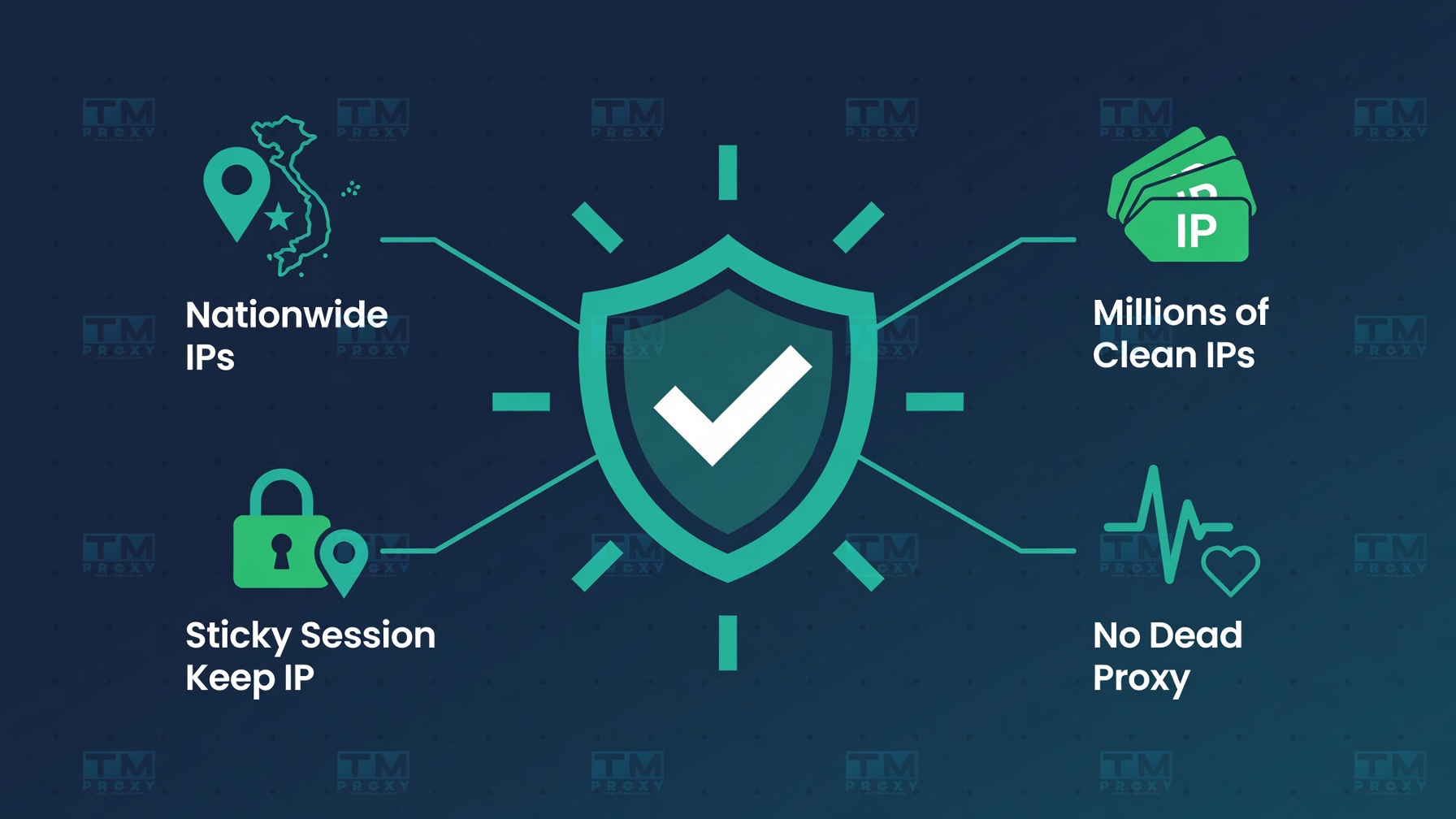
- Choose a large, clean IP pool. The larger the pool, the less IP overlap and the easier it is to avoid already-blacklisted addresses.
- Use sticky sessions for account nurturing. Assign each account a stable IP for a defined window of time, rather than letting IPs rotate at random.
- Use rotating IPs for crawling and scraping. A different IP per request distributes load and avoids rate-based blocking.
- Match the correct geographic region. Select IPs in the right province or city for your target to maintain location consistency.
- Prioritize providers that don't sell dead proxies. IPs that are still within their subscription window but have already stopped working are a common problem with low-cost services.
- Verify the no-log commitment. Read the terms of service carefully regarding data retention before you buy.
TMProxy — Vietnam's Highest-Quality Residential Proxy for Minimizing Risk
The risks inherent to residential proxies cannot be entirely eliminated — they come with the territory of "real-device" IPs — but they can be reduced to a minimum when you choose the right service. TMProxy is built to address exactly the weaknesses described above:
| Residential Proxy Risk | How TMProxy Addresses It |
|---|---|
| IPs don't last long | Supports sticky sessions and static proxies to hold a stable IP when needed |
| Forced constant rotation | Allows on-demand IP changes by command or schedule, giving you full control |
| Dirty, shared IPs | Millions of genuine residential IPs covering all 63 provinces of Vietnam, minimizing overlap and blacklist exposure |
| Unstable speeds | Optimized infrastructure with a guarantee of no dead proxies sold before expiry |
| Incorrect geolocation | Targeting by province and ISP (Viettel, VNPT, FPT) |
| Security risks | Trusted Vietnamese provider with 24/7 technical support and HTTP/HTTPS and SOCKS5 protocols |
In other words, TMProxy doesn't "break" the rotating nature of residential proxies — it gives you the tools to control it: hold an IP when you need stability, rotate when you need anonymity, and always have a clean IP in the right location ready to use.
Conclusion: Residential proxies carry real risks — short IP lifespans, constant rotation, fluctuating speeds, and latent security concerns — but these are inherent properties of the proxy type that most convincingly mimics real human traffic. Understand those limitations and choose a reputable provider like TMProxy, with sticky sessions, a clean IP pool, and a no-dead-proxy guarantee, and you can turn those weaknesses into a competitive advantage.