






You manage 10, 50 or 100 accounts, but a few logins in they get banned in waves? The problem isn't the accounts — it's that websites recognize they all come from the same "fingerprint." An anti-detect browser exists to solve exactly that.
What is an anti-detect browser?
High-Speed Proxy - Ready to Try?
ALGO Proxy offers residential, datacenter & 4G proxies in 195+ countries
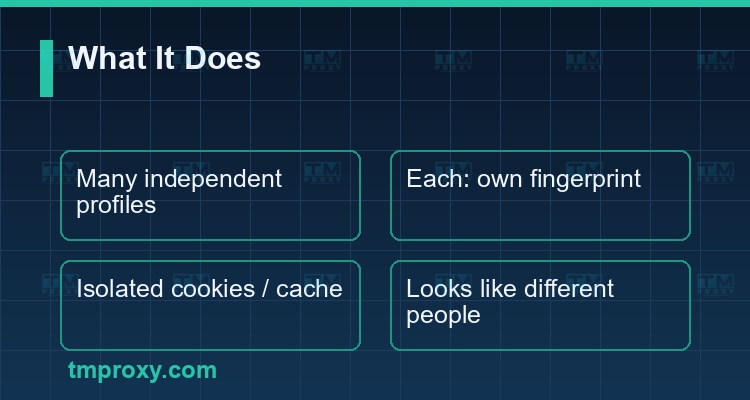
An anti-detect browser (antidetect browser) is a browser that lets you create many independent profiles, each carrying its own fingerprint and fully isolated cookies, cache and local storage. The goal: each profile looks like a completely different device and a different user to websites.
Unlike opening many tabs or incognito windows in Chrome (which still share one machine fingerprint), an anti-detect browser simulates a separate environment per profile: different user-agent, resolution, canvas/WebGL, timezone, font list. So ten accounts on one computer look like ten people on ten different devices.
This is the foundational tool for multi-account marketers, ad-account managers, affiliates, and anyone who needs to run multiple digital identities without them being linked.
Why do you need an anti-detect browser?
Modern websites don't rely on cookies alone to recognize you. When you clear cookies or use incognito, they still know you by your fingerprint. This is why many accounts get "linked" and banned in waves despite care:
- Same fingerprint — every account on one Chrome shares the same machine fingerprint.
- Same IP — without a proxy, all accounts share one IP address.
- Cross-leaking cookies — logging into one account leaves traces of another.
Any one of these signals can let the anti-fraud systems of Facebook, TikTok or Google conclude "this is one person running multiple accounts" and act in bulk. An anti-detect browser cuts the link at the browser layer.
What is a browser fingerprint — how websites recognize you
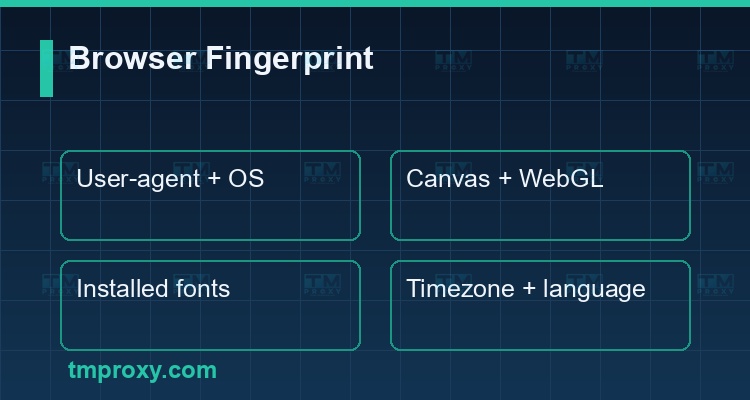
A browser fingerprint is the set of dozens of attributes a browser automatically exposes on every visit:
- User-agent — browser type, version, OS.
- Canvas & WebGL — how the GPU renders images, nearly unique per machine.
- Screen resolution & color depth.
- Installed fonts — the list of fonts on your machine.
- Timezone & language.
- Hardware — CPU core count, RAM, device info.
Combined, these form a nearly unique fingerprint. Websites use it to identify and track you continuously — even after you log out, clear cookies or change networks. This is exactly what an anti-detect browser must change for each profile.
How does an anti-detect browser work?
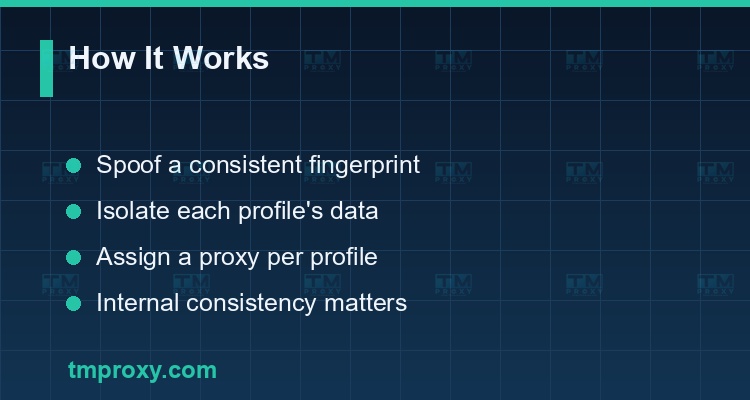
The core mechanism of an anti-detect browser has two parts:
- Fingerprint spoofing — for each profile, the browser generates a consistent but distinct set of attributes (user-agent, canvas, fonts, timezone...). Crucially, it must be internally consistent — a contradictory fingerprint (e.g. US timezone but Vietnamese language and a Vietnamese IP) is more suspicious than no spoofing at all.
- Data isolation — each profile has its own cookie store, cache and local storage, with no leakage between them.
Many anti-detect browsers also let you assign a separate proxy per profile and sync profiles via cloud for teamwork. But the browser itself only handles the fingerprint — the IP must still be handled by a proxy.
Anti-detect browser + proxy — an inseparable pair
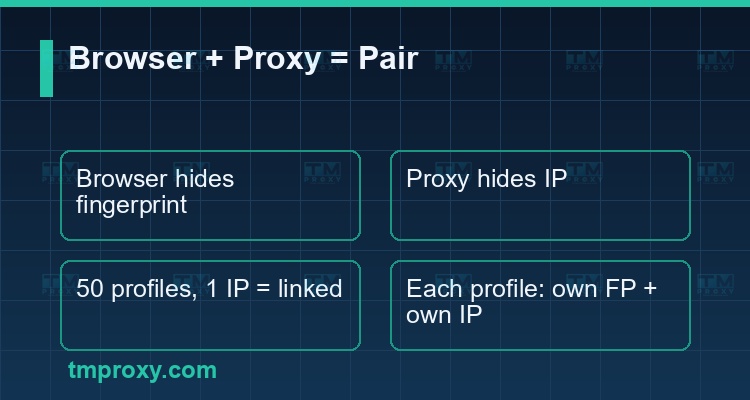
This is what newcomers often miss and pay for: an anti-detect browser alone is not enough.
- The anti-detect browser masks the fingerprint (browser layer).
- A proxy masks the IP address (network layer).
If you create 50 profiles with different fingerprints but they all go through one IP, websites can still link them — 50 "different people" sharing one network address is abnormal. Conversely, different IPs with identical fingerprints also expose you.
Use cases: account farming, MMO, multi-account management
An anti-detect browser (combined with proxies) serves many real needs:
- Facebook/TikTok account farming — one profile + one fixed residential IP per account, natural behavior, no linking.
- Ad-account management — agencies run many ad accounts for many clients without being flagged as linked.
- Affiliate & MMO — operate many identities across monetization platforms.
- Data collection — combined with rotating proxies to scrape without being detected as a bot.
- Testing & verification — check ad delivery and content by region/device.
How to choose an anti-detect browser (and the role of proxies)
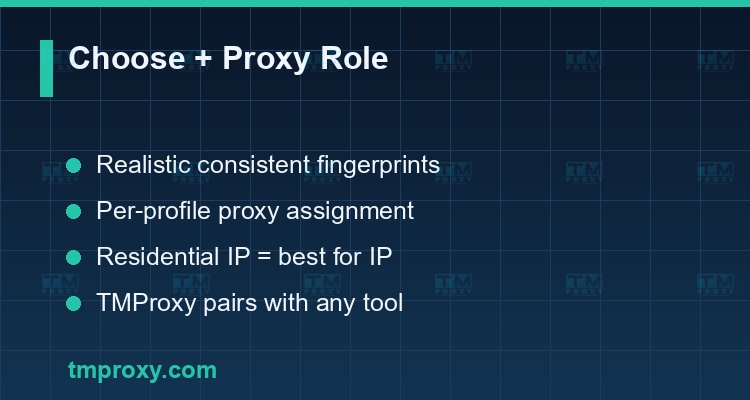
When choosing an anti-detect browser, check:
| Criterion | Why it matters |
|---|---|
| Realistic, consistent fingerprints | A contradictory fingerprint is more suspicious |
| Thorough profile isolation | Avoids cross-leaking cookies/cache |
| Per-profile proxy assignment | Required so each profile has its own IP |
| Large-scale profile management | Fits MMO/agency scale |
| Team sync | Multiple operators |
An important note: anti-detect browser software is only half the solution. The other half — often what decides whether an account survives or gets banned — is proxy quality. TMProxy provides real residential IPs, supports per-profile IP assignment and stable sessions, pairing perfectly with any anti-detect browser so each digital identity differs in both fingerprint and IP.
Anti-detect browser vs VPN vs incognito mode
These three are often confused but solve different problems:
- Incognito mode — only avoids saving history/cookies after the session; the fingerprint and IP don't change. Two incognito tabs still share one machine fingerprint, so they don't prevent account linking.
- VPN — changes the IP and encrypts the connection, but the browser fingerprint stays the same. Many accounts through one VPN still get linked because of a shared fingerprint (and often a shared IP).
- Anti-detect browser — changes the fingerprint and isolates data per profile, but doesn't change the IP on its own (you still need a proxy).
In other words: VPN/proxy handles the IP layer, the anti-detect browser handles the browser layer, and incognito barely helps with multi-account operation. The complete solution is anti-detect browser (fingerprint) + residential proxy (IP). That is why MMO operators always use both, never just one.
Common mistakes when using an anti-detect browser
- Using the browser only, forgetting proxies — different fingerprints but one shared IP still gets linked.
- Contradictory fingerprints — mixing timezone, language and IP that don't match by region.
- Using cheap datacenter IPs — instantly detected; use residential proxies for sensitive tasks.
- Machine-like behavior — logging in/acting too fast and evenly still raises suspicion despite good fingerprint + IP.
- Reusing old, flagged profiles — drop suspected profiles and create clean new ones.
Conclusion: An anti-detect browser solves the fingerprint problem — making many accounts look like many people. But it is only half: the other half is a proxy handling the IP. For durable account management, pair each profile with its own residential IP, keep the fingerprint consistent and behavior natural — that is the real recipe for "not linked, not blocked."