






You bought a proxy but got blocked the moment you used it — accounts locked, or requests returning 403? The problem is rarely a "bad proxy." It is usually the wrong type of proxy used the wrong way. This guide explains what a proxy that won't get blocked really is.
What does "proxy that won't get blocked" mean?
High-Speed Proxy - Ready to Try?
ALGO Proxy offers residential, datacenter & 4G proxies in 195+ countries
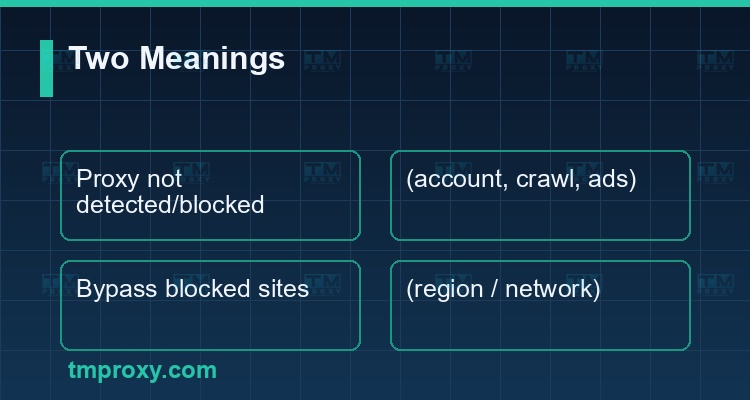
The phrase has two interpretations, and you should know which group you are in:
- A proxy that isn't detected and blocked — a proxy whose IP websites cannot recognize as a proxy, so it doesn't get banned. This is what account managers, advertisers and data collectors need.
- Using a proxy to bypass blocked websites — using a proxy to reach sites blocked by region or by an internal network (school, company, ISP).
Most people searching for this for real work want the first meaning: a durable, clean, hard-to-detect proxy. This guide focuses on that, then handles the second meaning briefly at the end.
Why do proxies get blocked? Four root causes
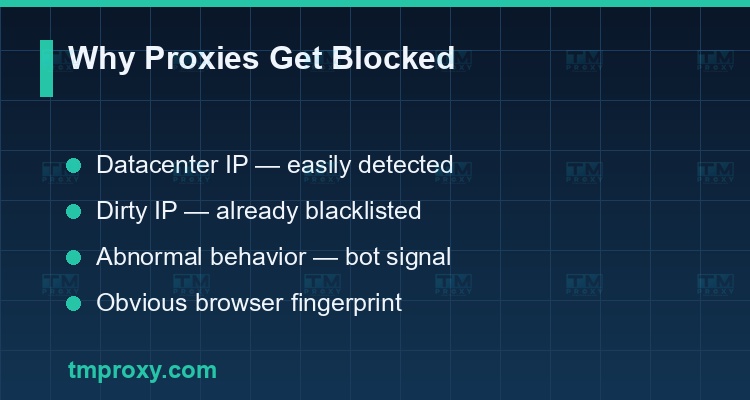
Understanding the cause is how you choose the right fix. A blocked proxy usually results from:
- Using datacenter IPs — IPs from data centers fall in ranges that are easy to identify. Large websites (Facebook, Google, marketplaces) maintain datacenter IP lists and block them instantly.
- "Dirty" IPs — IPs already abused by others (spam, bots) and therefore already blacklisted. Cheap shared proxies often fall into this group.
- Abnormal behavior — too many requests in a short time, machine-like regular patterns, or logging into many accounts from one IP. These are clear bot signals.
- An obvious fingerprint — a browser leaking automation traces (odd user-agent, missing properties, duplicate canvas/WebGL) gets flagged even with a good IP.
Residential proxies — the hardest to block
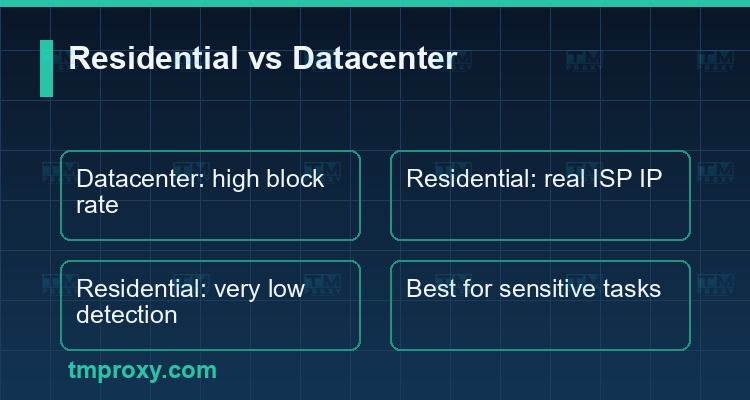
If you can choose only one type of proxy to "not get blocked," it is the residential proxy. The reason: residential proxies use real IPs assigned by ISPs to households. To a website, a request from a residential IP looks exactly like an ordinary person browsing at home — very hard to single out and block.
A quick comparison:
| Criterion | Datacenter proxy | Residential proxy |
|---|---|---|
| IP source | Data center | ISP / household |
| Detectability | High | Very low |
| Block rate | High on big sites | Low |
| Speed | Very fast | Fast, stable |
| Best for | Low-sensitivity tasks | Account farming, crawling, ads |
For sensitive tasks (Facebook/TikTok account management, scraping sites with strong anti-bot), residential proxies are almost mandatory to avoid blocks.
How rotation and session management help avoid blocks
Beyond IP type, how you rotate IPs strongly affects blocking:
- Rotating proxies — automatically change IP by time or per request. Best for large-scale crawling: each request uses a different IP so no single IP is overloaded.
- Sticky sessions — keep one fixed IP for a session/account for a period. Best for account management: the account stays tied to one IP like a real user.
The key is the right mode for the right job: rotate heavily for crawling, hold the session for account farming.
What to do when your proxy gets blocked — a checklist
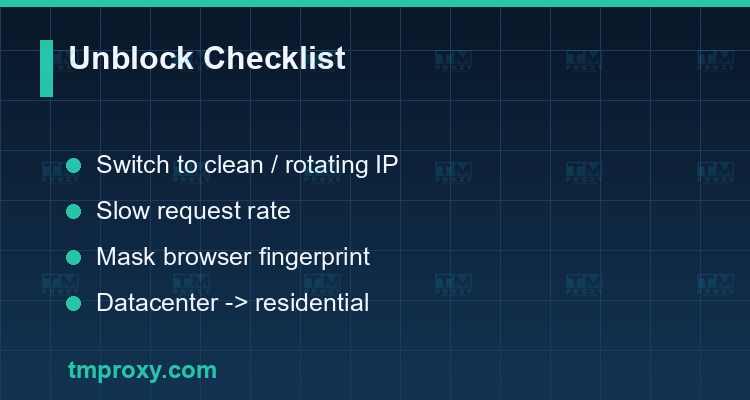
When a proxy is being blocked, work through this in order:
- Switch to a clean IP or enable rotation to escape a flagged IP.
- Slow your request rate to a natural level and add random delays between actions.
- Check the fingerprint — use an anti-detect browser and keep the user-agent and properties consistent.
- Move from datacenter to residential if the site has strong anti-bot.
- Assign a dedicated IP per account and keep the session stable when farming accounts.
- Distribute geographically — use IPs from the right region for your audience.
Using non-blockable proxies for accounts, crawling and ads
Three common use cases and how to avoid blocks:
- Account management (Facebook/TikTok) — one fixed residential IP per account, stable sessions, natural behavior. This is critical to keep accounts from being locked.
- Crawling / data collection — a pool of rotating residential proxies, human-like speed, no regular patterns. This is also the foundation for collecting data for market research and social listening.
- Running / verifying ads — clean IPs in the right region to check ad delivery and avoid being flagged.
Using a proxy to access blocked websites (the second meaning)
If you simply need to reach a site that is blocked (by region or internal network), a proxy solves this too: it sits in the middle, so the website only sees the proxy's IP and you reach the restricted content. For this purpose, prefer a reputable, encrypted proxy and avoid free proxies — free proxies are usually slow, unsafe, and frequently blocked themselves.
Avoiding detection — common mistakes that still get you blocked
Many people buy the right residential proxy but still get blocked — because "not blocked" at the IP layer is not enough; the proxy must also avoid detection at the behavior and fingerprint layers. Common mistakes:
- Caring only about the IP, ignoring the fingerprint — a clean residential IP still looks suspicious if the browser leaks automation traces. Use an anti-detect browser and a consistent fingerprint.
- Non-human speed — clicking and loading fast and evenly like a machine. Add random delays and mimic real human rhythm.
- Many accounts on one IP — even with a residential IP, logging in dozens of accounts from one IP is a red flag. The rule: one account, one IP.
- Changing IP mid-session — an IP jumping regions while you are logged in triggers security alerts immediately.
- Using free proxies for important work — free IPs are shared by thousands of users and are almost certainly already blacklisted.
In short: "not blocked" is the result of all three layers — a clean IP (residential), natural behavior, and a hidden fingerprint. Miss any one layer and the proxy can still be detected and blocked.
Criteria for choosing a non-blockable proxy + TMProxy
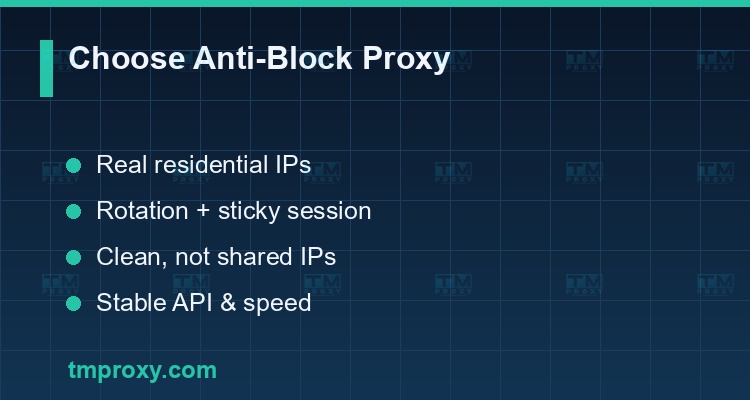
When choosing an anti-block proxy service, check:
| Criterion | Why it matters |
|---|---|
| Real residential IPs | Hard to detect, low block rate |
| Rotation & sticky sessions | Right mode for crawling and accounts |
| Clean, not carelessly shared IPs | Avoids already-blacklisted IPs |
| Vietnamese & international IPs | Right region for your audience |
| Stable API & speed | Easy automation integration |
TMProxy provides real Vietnamese residential IPs, supporting both rotation and sticky sessions, with an API to integrate into account-management, crawling and ad workflows — sharply reducing block rates compared to cheap datacenter proxies.
Conclusion: A "proxy that won't get blocked" doesn't come from a hiding trick but from looking like a real user: use real residential IPs, choose the right rotation/session mode, and keep behavior natural. Choosing the right type of proxy from the start will save you a lot of troubleshooting later.