





A Cloud Server is a type of virtual server that provides computing resources, storage, and bandwidth through cloud computing services. This article helps you understand Cloud Servers, their key features, benefits, and practical applications for businesses.
High-Speed Proxy - Ready to Try?
ALGO Proxy offers residential, datacenter & 4G proxies in 195+ countries
What is a Cloud Server?
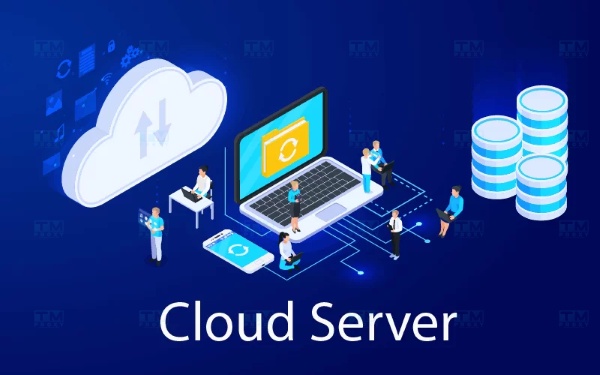
A Cloud Server is defined as a type of virtual server where resources such as CPU, RAM, storage capacity, bandwidth, and operating systems are provided through cloud computing services. Instead of owning and managing a bulky physical server system, users can rent part or all of the resources from a cloud service provider. This helps save initial investment costs as well as maintenance time, and minimizes the risk of physical equipment failure.
Cloud server resources are shared across a large cloud infrastructure. Users only need to access the management control panel through the internet to use these resources. Thanks to the distributed nature and flexibility of this model, users can easily scale resources up or down according to actual needs without encountering too many difficulties.
Key Features of Cloud Servers
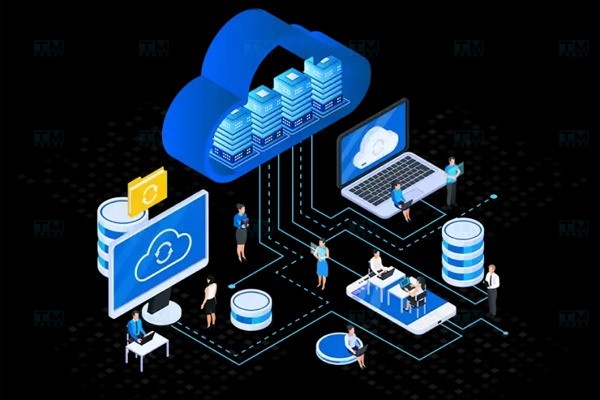
Cloud Servers are not just simple virtual servers — they also offer many outstanding features to meet the diverse needs of users:
- High flexibility: Cloud Servers can adjust resource configurations such as CPU, RAM, and storage capacity according to user needs.
- Scalability: Cloud Servers can be easily scaled when there is a need for growth in storage or data processing without requiring hardware changes.
- Reasonable cost: Cloud Server services charge based on actual usage, so businesses only pay for the resources they use without worrying about fixed costs.
- High security: Cloud Servers typically have security features such as data encryption, firewalls, and automatic backup systems to protect user data.
- Remote access: Users can access Cloud Servers from anywhere, as long as they have an internet connection.
- Disaster recovery: Cloud Servers provide quick backup and data recovery features, minimizing downtime when incidents occur.
- Stable performance: Cloud Server services are distributed across multiple different servers, helping maintain high and stable performance.
Why Are Cloud Servers Important?
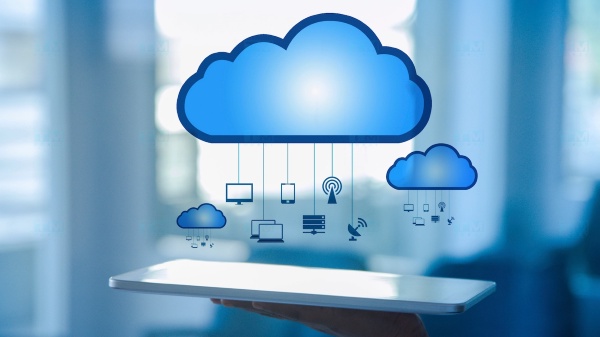
A Cloud Server is an online data storage and processing service that allows users to access and use server resources over the internet. Here are the detailed reasons:
- Cost savings: Cloud Servers help reduce hardware investment costs since you don't need to buy and maintain physical servers.
- High flexibility: You can increase or decrease the capacity and bandwidth of your Cloud Server based on demand.
- Easy scalability: As your business grows, you can expand your Cloud Server quickly without changing the infrastructure structure.
- Strong security: Cloud Server service providers typically have robust security systems with data protection measures such as encryption, regular backups, and cyber attack prevention.
- Access from anywhere: Cloud Servers allow users to access data and applications from anywhere with an internet connection.
What is Wireshark? Installation and Usage Guide for Wireshark
Benefits of Cloud Servers for Businesses
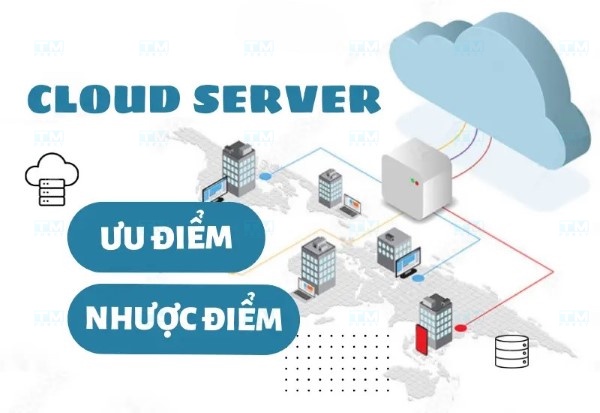
Cloud Servers offer numerous advantages for businesses, especially in today's fiercely competitive environment:
- Cost savings: Businesses don't need to invest in hardware and server maintenance, reducing initial costs and operational expenses.
- Easy scalability: Cloud servers can easily scale resources such as bandwidth and storage capacity without hardware changes.
- Remote access: Employees can access data and applications from anywhere, supporting flexible work arrangements.
- Enhanced security: Data on cloud servers is protected by modern security measures such as encryption, firewalls, and regular backups.
- High availability: Cloud servers typically have high fault tolerance, ensuring continuous operation even when incidents occur.
- Easy management: Cloud server service providers usually offer simple and intuitive management tools.
- Automatic software updates: Software and system updates are automatically deployed, reducing maintenance workload.
Cloud Server Applications
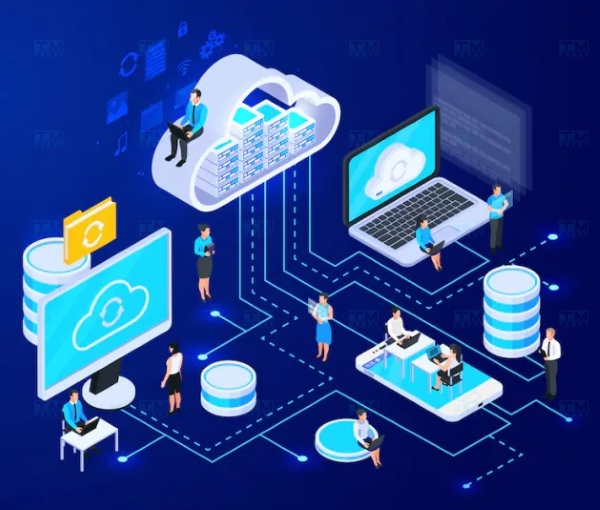
Cloud Servers are currently being widely used across many different fields and industries:
- Data storage: Cloud servers help store and manage large amounts of data securely, with easy access from anywhere.
- Running web applications: Cloud servers are an ideal place to deploy web applications, allowing users to access applications at any time.
- Running email services: Enterprise email services are often hosted on cloud servers, improving email management and security capabilities.
- Running enterprise management software: Cloud servers provide an environment for ERP systems to operate, enabling efficient financial and human resource management.
- Mobile application development: Developers use cloud servers to store data and run mobile applications.
- Hosting online conferences: Cloud servers are also used to organize online meetings and conferences.
Cloud Server Deployment Models
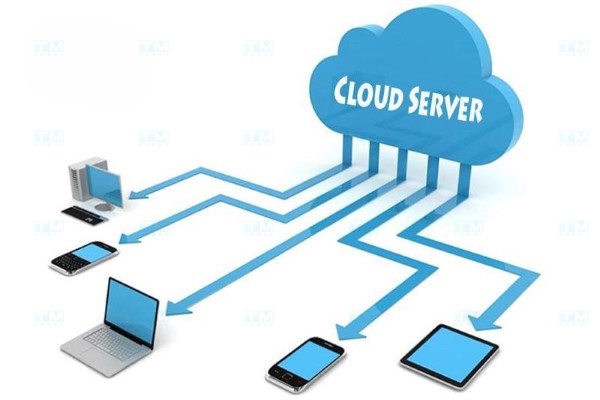
Cloud Servers can be deployed in various technology models, each with its own advantages and limitations:
- Infrastructure as a Service (IaaS): A service providing virtual server infrastructure, networking, and storage. Users can rent virtual servers and manage the operating system and software.
- Platform as a Service (PaaS): The provider offers a software development environment, including the operating system, database, and development tools.
- Software as a Service (SaaS): A model that delivers software over the internet. Users can access and use software without installation.
- Hybrid Cloud model: A combination of public cloud and private cloud environments, allowing businesses flexibility in data storage and processing.
Common Types of Cloud Servers
Cloud Servers can be classified into three main types: Public Cloud, Private Cloud, and Hybrid Cloud.
Public Cloud Server
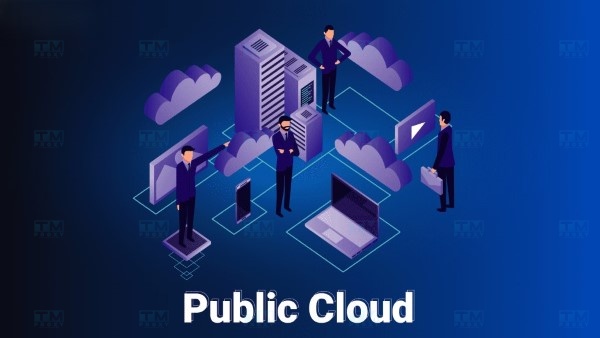
A Public Cloud Server is a service provided by third-party providers where resources are shared among multiple users. This helps reduce costs for each user since resources are shared. However, users need to consider data security concerns when using this model.
Private Cloud Server
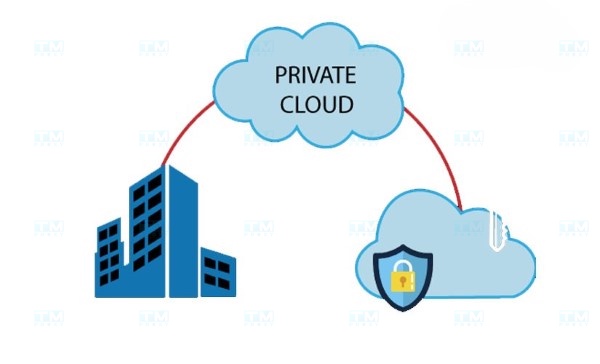
A Private Cloud Server is a service provided exclusively for a single organization or business, giving them complete control over resources. Although the investment cost is higher compared to public cloud, businesses receive better security and management optimization.
Hybrid Cloud Server
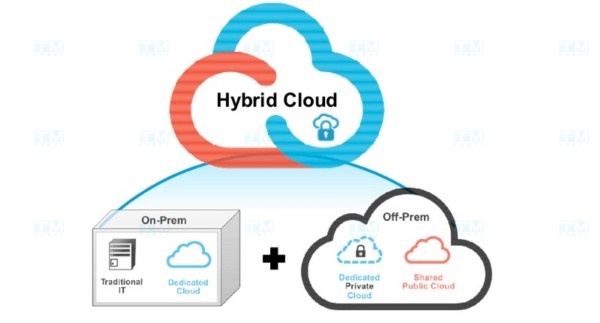
A Hybrid Cloud Server combines Public and Private Cloud. This model allows businesses to leverage both types and is well-suited for businesses that need flexible switching between public and private cloud resource usage.
Comparing Cloud Servers and Physical Servers
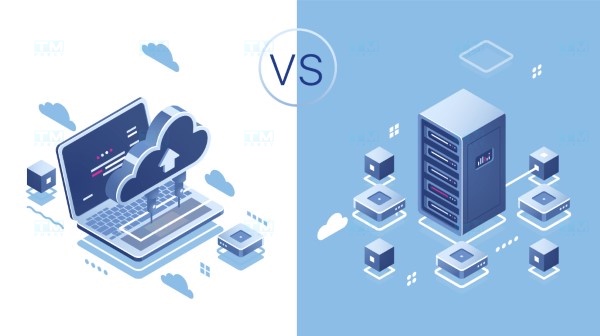
When comparing Cloud Servers and physical servers, there are many factors to consider:
- Cost: Cloud Servers typically have lower costs compared to investing in physical servers.
- Flexibility: Cloud Servers allow easy resource scaling, while physical servers often require significant time and cost to upgrade.
- Security: Cloud Servers are usually better protected by service providers compared to self-managed physical servers.
Key Specifications to Know When Renting a Cloud Server
When renting a Cloud Server, you need to pay attention to several important specifications:
CPU (Central Processing Unit)
The CPU is the central processor that determines the speed and processing capability of the server. When choosing a Cloud Server, you need to consider the type of CPU the provider is using and ensure it matches your processing needs.
RAM (Random Access Memory)
RAM affects the multitasking capability of a Cloud Server. If you run multiple applications simultaneously, you need sufficient RAM to ensure stable performance.
Storage
The storage capacity needed for storing data and applications. You need to consider the disk capacity as well as data access speed to ensure it meets your work requirements.
Uptime
Uptime is the percentage of time the Cloud Server operates without incidents. A good service should guarantee a minimum uptime of 99.9%.
Conclusion: Cloud Servers are an effective data storage and processing solution for businesses in the digital era. With low costs, flexibility, scalability, and high security, Cloud Servers are gradually replacing traditional physical server solutions.