





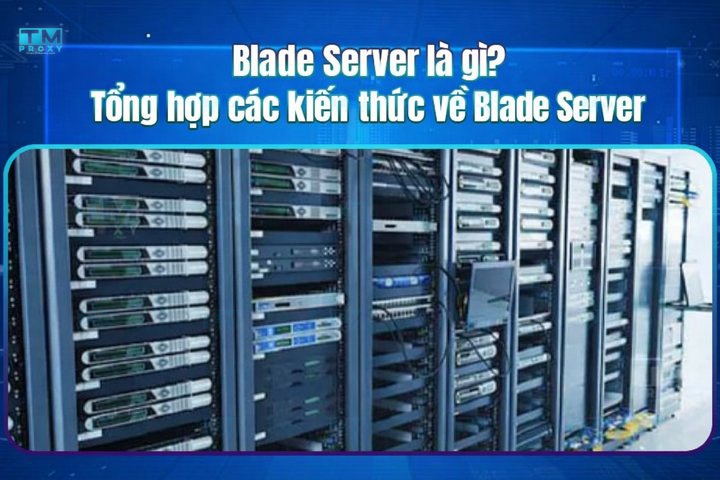
A Blade Server is a compact modular server that fits multiple blades into a shared chassis. This article explains its components, how it works, pros, cons, and a detailed comparison between Blade Server and Rack Server.
High-Speed Proxy - Ready to Try?
ALGO Proxy offers residential, datacenter & 4G proxies in 195+ countries
What is a Blade Server?

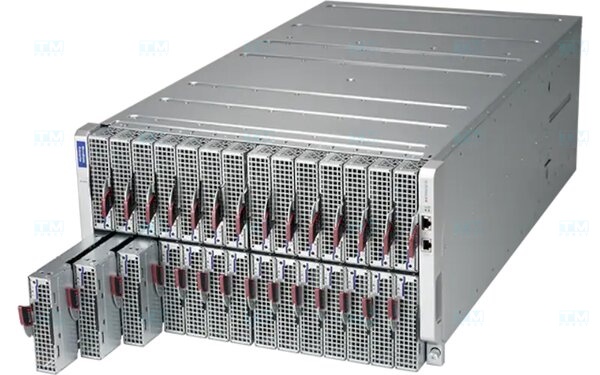
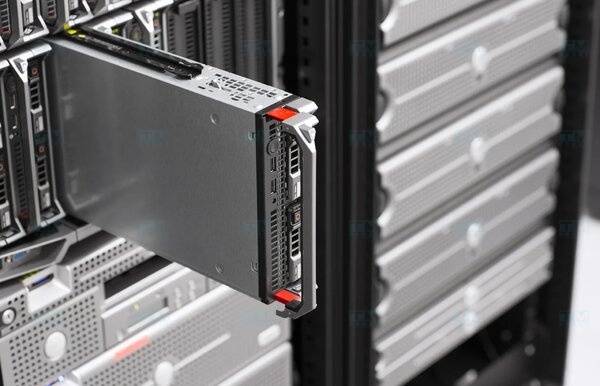
A Blade Server is a server designed as a thin module that slides into a shared chassis enclosure. Each blade is an independent server with its own CPU, RAM, and storage, but shares power supply, cooling, networking, and management through the chassis.
The blade server concept emerged in the early 2000s when RLX Technologies introduced the first blade platform. HP, IBM, and Dell quickly developed their own product lines. The primary goal was to solve server density challenges in data centers — maximizing computing power in minimal space.
How It Works
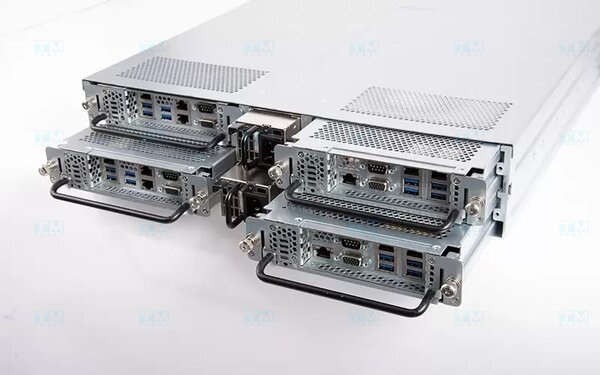
Blade servers operate on a modular architecture:
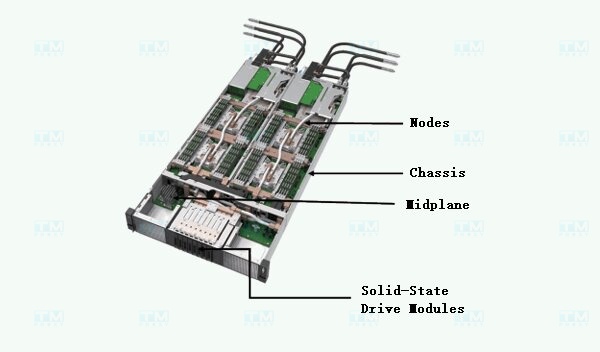
- Chassis provides power, cooling, and network connectivity for all blades inside.
- Backplane is the chassis motherboard, connecting blades to each other and to I/O modules.
- Each blade functions as an independent server — with its own CPU, RAM, storage, and OS.
- Network modules (switch/pass-through) integrated in the chassis provide Ethernet, Fibre Channel, or InfiniBand connectivity.
- Management module allows administrators to monitor, configure, and control all blades from a single centralized interface.
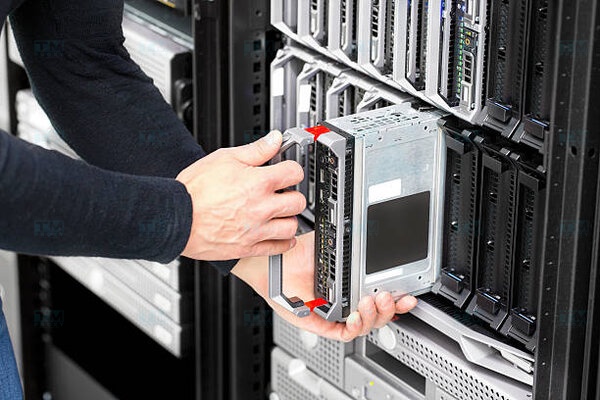
When scaling is needed, simply slide a new blade into an empty slot — the system automatically detects and powers it without shutting down other blades (hot-swap).
Core Components
| Component | Function |
|---|---|
| Chassis | Enclosure housing blades, integrated PSU, fans, management modules. Typically supports 8-16 blades |
| Blade | Independent modular server: CPU, RAM, storage (HDD/SSD), NIC |
| Backplane | Interconnect board linking blades to chassis — data, power, network signals |
| PSU (Power) | Redundant power supplies for the entire chassis, typically 2-4 PSUs |
| Cooling Fans | Shared fan system, more efficient than individual server fans |
| Network Module | Integrated Ethernet switch, Fibre Channel, or pass-through module |
| Management Module | Centralized management via web interface (e.g., HP iLO, Dell iDRAC, IBM IMM) |
Advantages
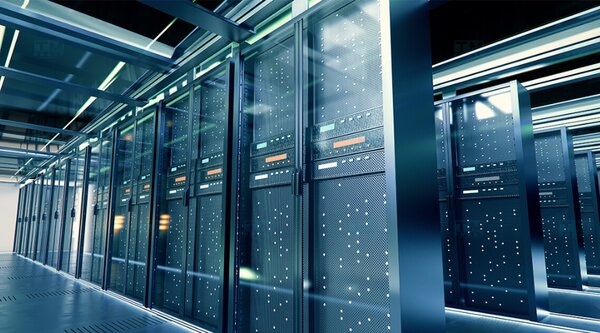
- High Density: A single 10U chassis holds 8-16 blades, equivalent to 8-16 rack servers in 1U each but using less space.
- Centralized Management: A single interface manages all blades — provisioning, monitoring, remote firmware updates.
- Power Efficiency: Shared PSUs and fans across blades, higher energy efficiency than individual rack servers.
- Reduced Cabling: Network modules integrated in chassis instead of running separate cables per server.
- Easy Scaling: Hot-swap new blades into empty slots, system auto-detects.
- Efficient Cooling: Shared fan system optimized better than individual server fans.
Disadvantages
- High Upfront Cost: Chassis + blades + network modules cost more than equivalent rack servers.
- Vendor Lock-in: HP blades don't fit Dell chassis and vice versa — tied to one manufacturer.
- High Heat Density: Dense packing generates significant heat, requiring strong data center cooling.
- Limited Storage: Each blade has few drive bays (typically 2 slots), requiring SAN or NAS for large storage.
- Single Point of Failure: If the chassis or backplane fails, all blades inside are affected.
- Complex Maintenance: Requires specialized technicians, replacement parts are more expensive.
Blade Server vs Rack Server
| Criteria | Blade Server | Rack Server |
|---|---|---|
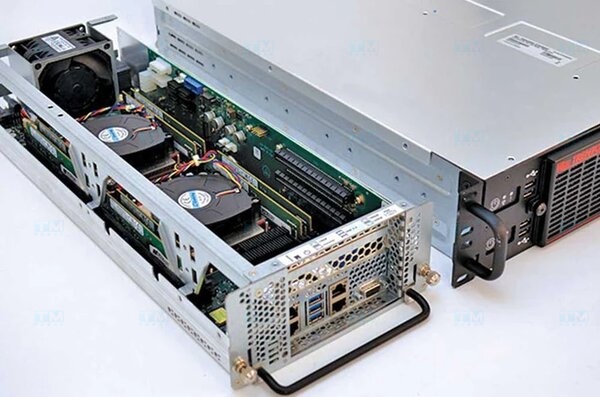
| Form Factor | Thin module, slides into chassis | Independent box 1U-4U, mounts in rack |
| Density | High (8-16 blades/chassis) | Lower (1 server per 1U-4U) |
| Management | Centralized via chassis | Individual per server |
| Power & Cooling | Shared via chassis | Independent per server |
| Network Cabling | Integrated modules, minimal cables | Separate cables per server |
| Upfront Cost | Higher (chassis + blades) | Lower |
| Storage | Limited (2 slots/blade) | Flexible (many slots) |
| Vendor Lock-in | Yes | No |
| Best For | Large data centers, cloud, HPC | SMB, diverse workloads |
Popular Manufacturers
| Manufacturer | Product Line | Key Features |
|---|---|---|
| HPE | Synergy, BladeSystem c7000 | Composable infrastructure, iLO management |
| Dell EMC | PowerEdge MX | Kinetic infrastructure, iDRAC management |
| Cisco | UCS B-Series | Cisco networking integration, UCS Manager |
| Lenovo | Flex System | IBM heritage, IMM management |
| Huawei | FusionServer E9000 | Competitive pricing, iBMC management |
Real-World Applications
- Data Centers & Cloud: High density, centralized management — ideal for building private/hybrid cloud infrastructure.
- Virtualization: Running hundreds of VMs on few chassis, optimizing resources with VMware vSphere, Hyper-V.
- HPC (High-Performance Computing): Big data processing, scientific simulations, AI/ML training.
- Finance & Banking: High-speed transaction processing, requiring 99.999% uptime.
- Telecommunications: Handling millions of concurrent connections, NFV (Network Functions Virtualization).
When to Choose a Blade Server
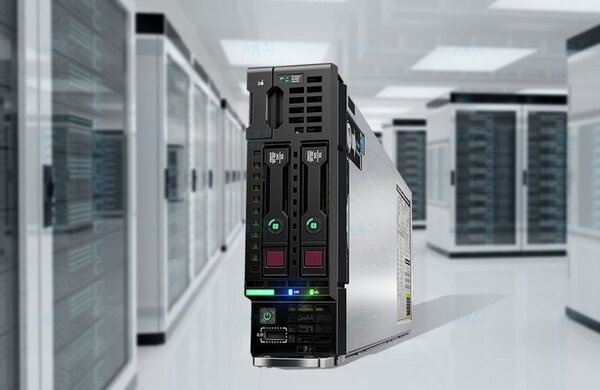
Choose Blade Server when:
- You need high server density in limited data center space.
- Centralized management of dozens to hundreds of servers.
- Deploying large-scale virtualization or cloud.
- Prioritizing power savings and reduced network cabling.
Choose Rack Server when:
- Limited budget, need flexible configuration.
- Diverse workloads requiring lots of local storage.
- Want to avoid vendor lock-in.
- Small to medium business with few servers.
What is Cloud Server? Comparison with VPS and Dedicated Server
Conclusion: Blade Servers are high-density, centrally managed server solutions for data centers and large enterprises. Despite higher upfront costs and vendor lock-in, blade servers remain optimal when maximizing computing power in minimal space is the priority.