





Proxies are essential for professional web scraping: avoiding IP bans, collecting multi-country data, and accelerating collection by tens of times. This article provides a detailed guide on choosing proxies, configuring them, and avoiding common scraping mistakes.
What is Web Scraping?
High-Speed Proxy - Ready to Try?
ALGO Proxy offers residential, datacenter & 4G proxies in 195+ countries
Imagine you need to compare the price of a product across 50 different websites. Do it manually? That's a full day gone. This is exactly why web scraping exists.
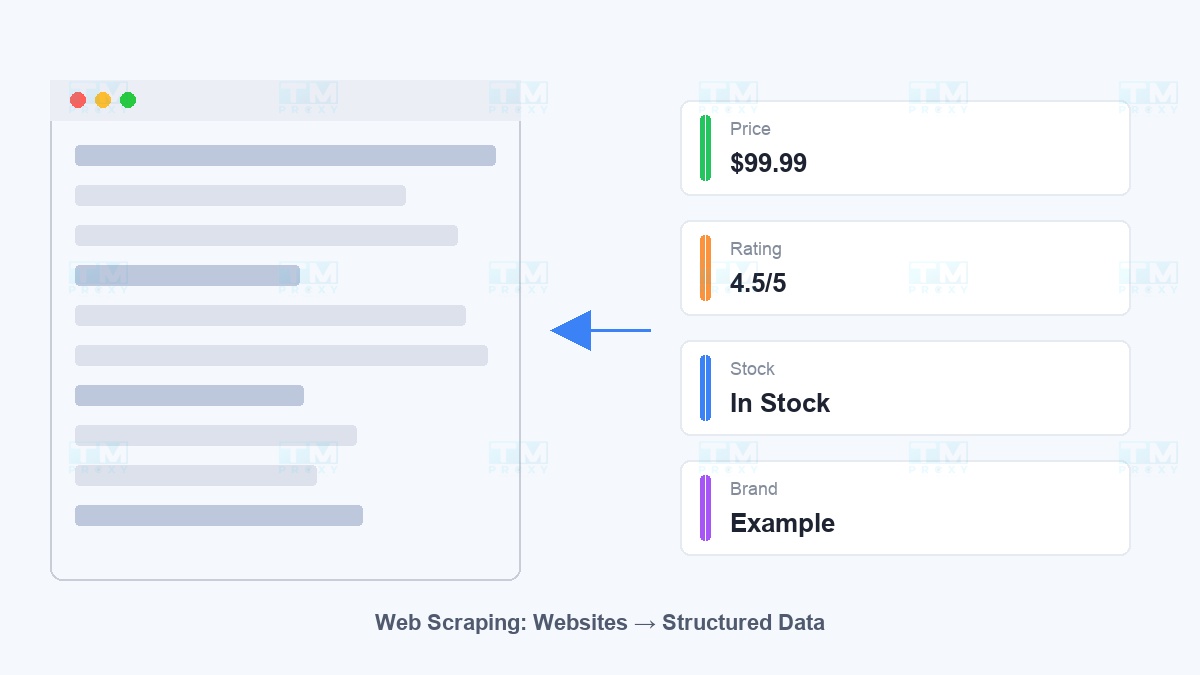
Web scraping is the automated process of extracting information from websites. Instead of copy-pasting page by page, you write a program to collect millions of data points in minutes. Today, web scraping is used across industries:
- E-commerce: Price comparison, competitor monitoring, stock tracking
- SEO: Keyword ranking checks, backlink analysis
- Market Research: Product review collection, trend analysis
- AI/ML: Building training datasets for artificial intelligence models
- Real Estate: Tracking property prices, new listings
However, when you send hundreds of requests from the same IP — the website detects it and blocks you immediately. That's when proxies become your secret weapon.
Without Proxy vs With Proxy: The Difference is Clear
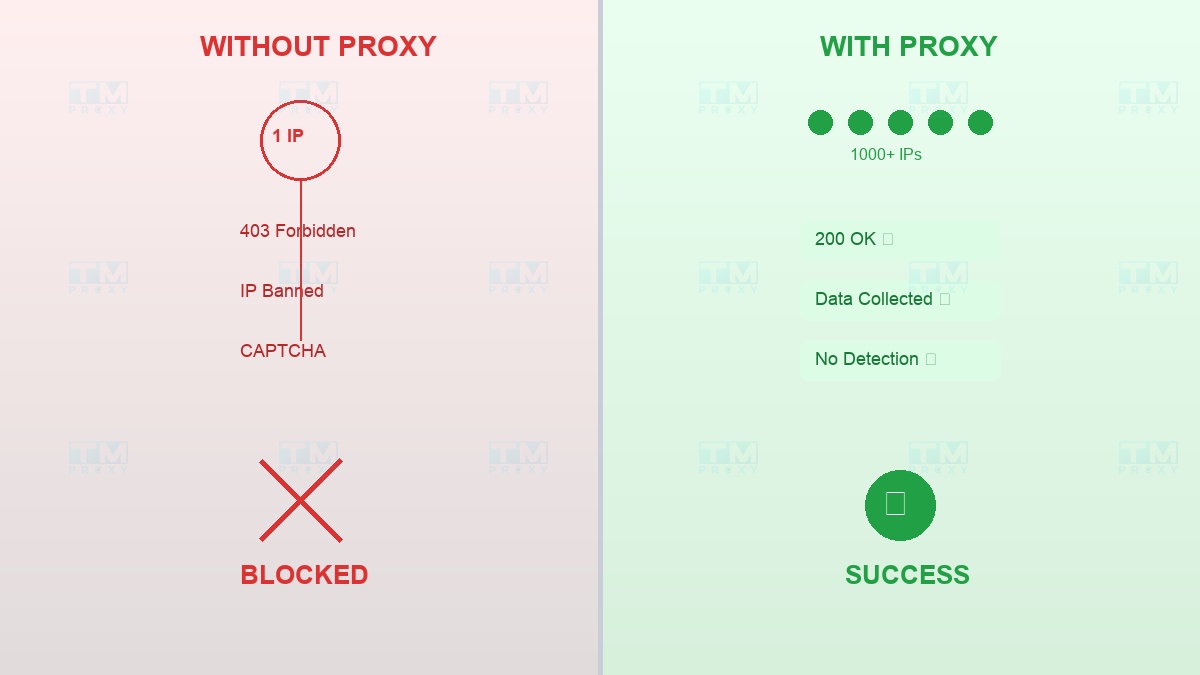
Scenario WITHOUT proxy:
You send 100 requests from IP 1.2.3.4 → Website detects it → Returns 403 Forbidden → IP gets banned → Scraping project fails.
Scenario WITH proxy:
You send 100 requests through 100 different IPs → Each request looks like it's from a separate user → Website responds normally → Data collected successfully.
It's that simple. Proxies solve 5 core problems:
- Avoid IP bans — Rotate between thousands of IPs, each request from a different address
- Bypass rate limiting — Website limits 60 req/min/IP? Use 10 IPs = 600 req/min
- Multi-country data collection — US proxy sees USD prices, Japan proxy sees JPY prices
- Protect infrastructure — Your real server IP is never exposed
- Parallel acceleration — 10 proxies running simultaneously = 10x speed
Choosing the Right Proxy Type for Scraping
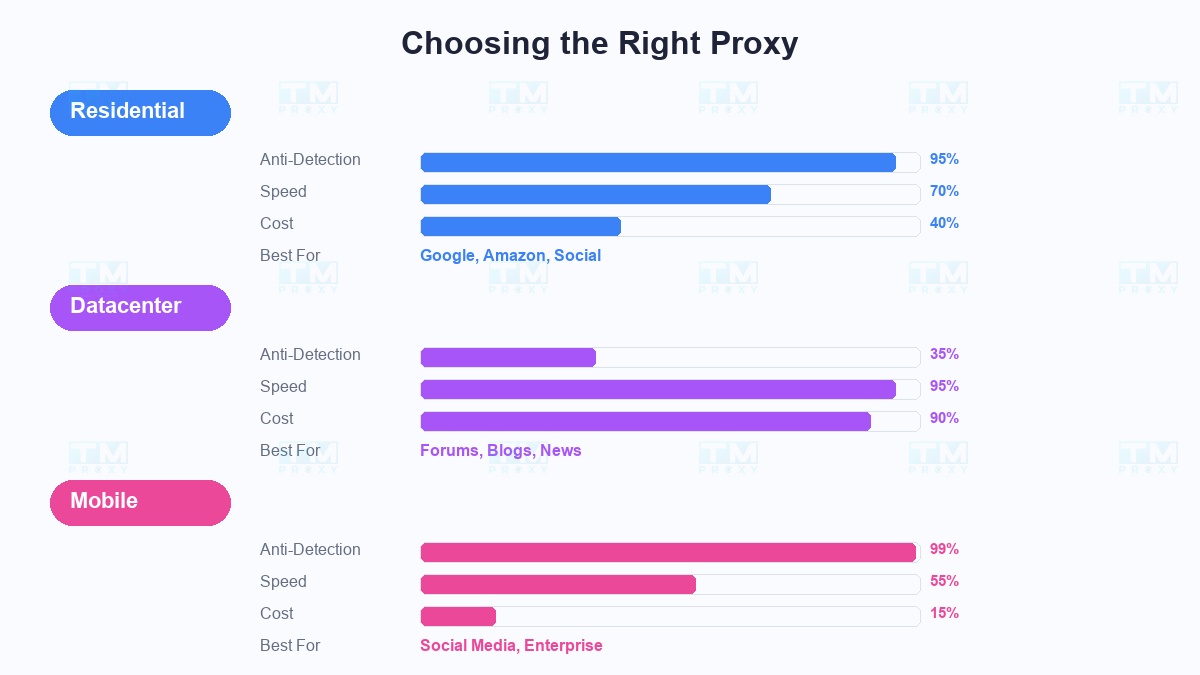
Not all proxies are created equal. Use the wrong type = waste money and still get blocked.
Residential Proxy — The Anti-Detection King:
Real IPs from ISPs (Comcast, AT&T, BT...), looking 100% like real users. Success rate on Google, Amazon, LinkedIn reaches 95%+. However, more expensive and slower than datacenter.
When to use: Scraping heavily protected sites (Google, Amazon, social media), projects requiring high success rates.
Datacenter Proxy — Fast and Cheap:
IPs from data centers, blazing fast speeds, 5-10x cheaper than residential. But easily detected by advanced anti-bot systems.
When to use: Scraping small websites, forums, blogs, news sites — places with little protection.
Mobile Proxy — Unbeatable:
IPs from 4G/5G networks, the same type of IP that millions of real users share. Nearly impossible to detect. But most expensive and speed depends on mobile network.
When to use: Scraping social media, sites with enterprise-level anti-bot systems.
| Proxy Type | Google/Amazon | Social Media | Forums/Blogs | News Sites | Average |
|---|---|---|---|---|---|
| Datacenter | 32% | 25% | 92% | 88% | 59% |
| Residential | 95% | 88% | 98% | 97% | 95% |
| Mobile | 99% | 97% | 99% | 99% | 98% |
Residential proxy achieved an average success rate of 95% across most data sources. Datacenter proxy is only effective for forums and news sites with light protection.
Effective Scraping with Proxies
Here's a battle-tested workflow from real projects:
Step 1 — Analyze the target website: Check robots.txt, identify anti-bot mechanisms (Cloudflare, Akamai, PerimeterX?), determine what data to collect.
Step 2 — Choose the right proxy type: Residential for tough sites, datacenter for easy ones. Start testing with a small batch (100 requests) before scaling.
Step 3 — Configure rotation: Change IP every 3-5 requests or every 30 seconds. Never use the same IP for more than 10 consecutive requests.
Step 4 — Simulate real user behavior: Add random delays of 2-8 seconds between requests. Rotate User-Agent headers per session.
Step 5 — Handle errors smartly: Hit 403 → switch IP immediately. Hit CAPTCHA → new IP + increase delay. Hit 429 → slow down.
Step 6 — Monitor in real-time: Track success rate. Below 90%? Something needs adjusting.
Step 7 — Scale gradually: Start with 10 concurrent requests, increase to 50, then 100. Monitor success rate at each level.
Common Scraping Mistakes (and How to Avoid Them)
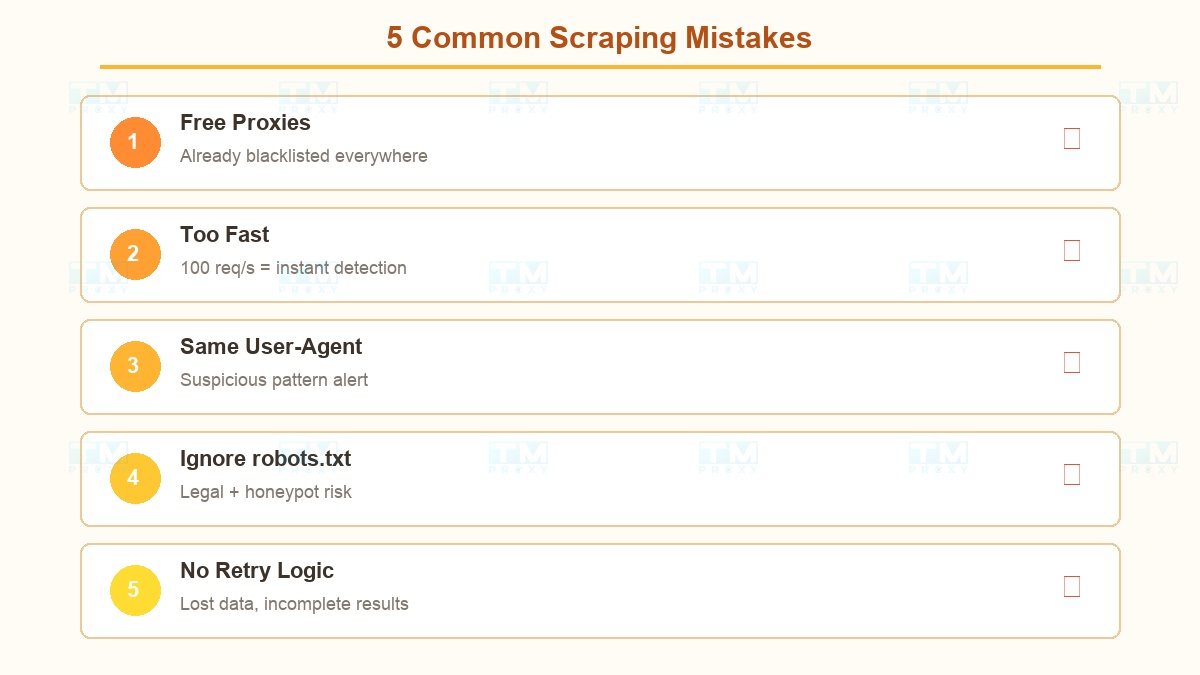
From supporting thousands of customers, these are the most frequent errors:
Mistake #1: Using free proxies Free proxies = IPs already blacklisted everywhere. Slow, unstable, and your data could be stolen. Invest in quality proxies.
Mistake #2: Sending requests too fast 100 requests/second from the same pattern = detected instantly. Always add random delays and spread out requests.
Mistake #3: Not rotating User-Agents Every request with the same User-Agent + different IPs = suspicious pattern. Prepare a list of at least 50 different User-Agents.
Mistake #4: Ignoring robots.txt Beyond legal issues, many anti-bot systems monitor whether you access URLs forbidden in robots.txt.
Mistake #5: No retry logic When errors occur and you just skip → data lost. You need a retry mechanism with new IPs + exponential backoff.
TMProxy Scraping Solution
Large-scale data collection demands reliable proxy infrastructure. TMProxy is built for this:
- Pool of millions of IPs — residential and datacenter across 100+ countries
- Smart auto-rotation — automatically switches IPs based on custom configurations
- HTTP, HTTPS, SOCKS5 support — compatible with all scraping tools
- Monitoring dashboard — track usage, success rate in real-time
Conclusion: Scraping without proxies is like fishing without a rod. Choose the right proxy type, follow best practices, and you'll collect all the data you need without getting blocked.