





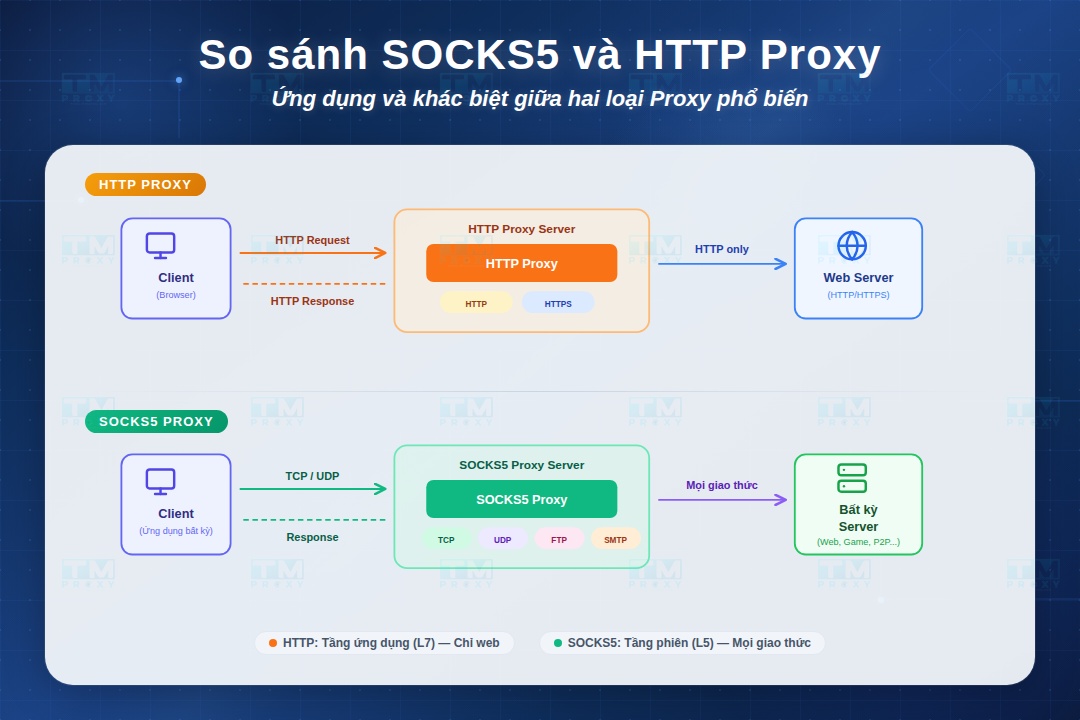
HTTP Proxy and SOCKS5 are the two most popular proxy protocols, but they work very differently and serve different use cases. This article provides a detailed comparison of HTTP Proxy vs SOCKS5 covering speed, security, and supported protocols — helping you choose the right proxy type for your needs.
HTTP and SOCKS5: The Two Most Popular Proxy Protocols
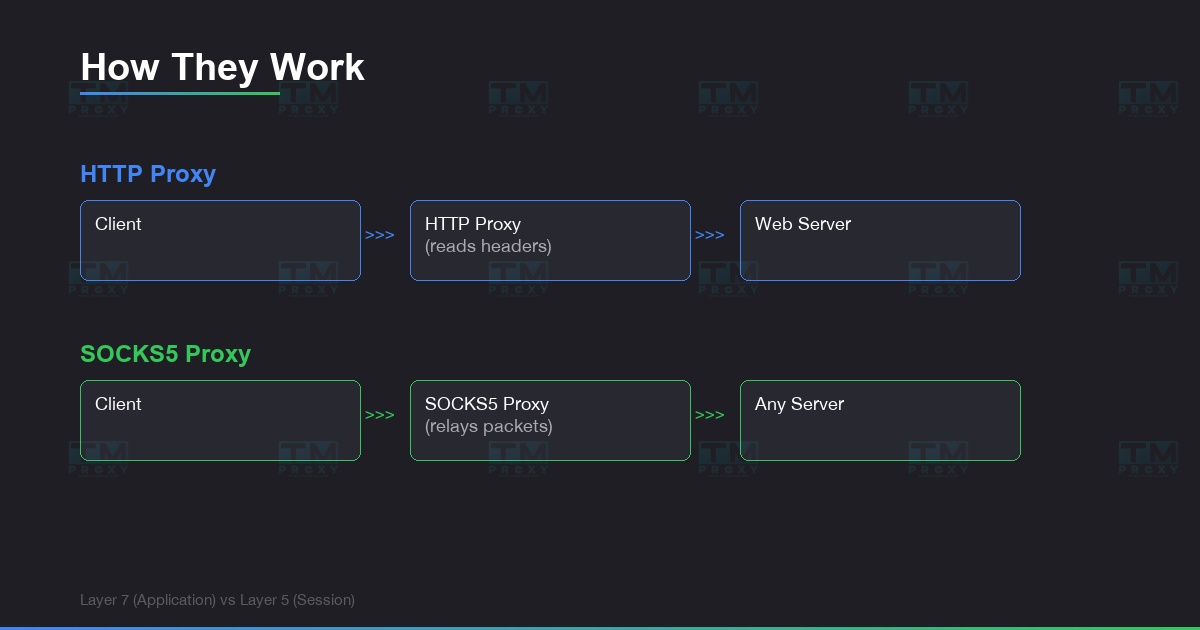
When buying proxies, you always see 2 options: HTTP/HTTPS and SOCKS5. Both hide your real IP, but they work in fundamentally different ways.
Understanding the difference helps you pick the right proxy for your specific purpose — saving costs and optimizing performance.
HTTP Proxy operates at the application layer (Layer 7). It understands and processes HTTP/HTTPS traffic. When you request a webpage, the HTTP proxy reads the request, forwards it to the target server, receives the response, and returns it to you.
SOCKS5 Proxy operates at the session layer (Layer 5). It doesn't care about traffic content — it simply relays data packets between client and server. SOCKS5 handles all traffic types: HTTP, FTP, SMTP, P2P, streaming.
High-Speed Proxy - Ready to Try?
ALGO Proxy offers residential, datacenter & 4G proxies in 195+ countries
Detailed Comparison Table
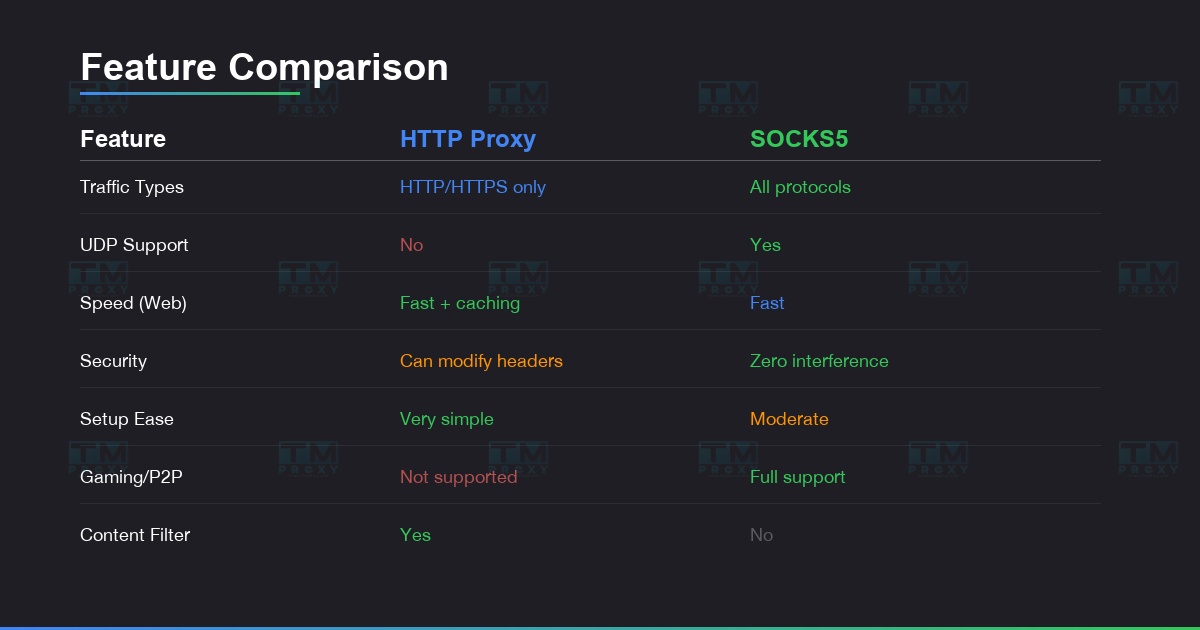
| Criteria | HTTP/HTTPS Proxy | SOCKS5 Proxy |
|---|---|---|
| Layer | Layer 7 (Application) | Layer 5 (Session) |
| Traffic types | HTTP/HTTPS only | All types (HTTP, FTP, P2P, UDP...) |
| Speed | Fast for web browsing | Faster for diverse traffic |
| Security | Can read/modify headers | Does not interfere with data |
| Authentication | Basic, NTLM | Username/password, GSS-API |
| UDP support | No | Yes |
| Caching | Yes (speeds up repeat visits) | No |
| Filtering | Yes (block URLs, content) | No |
| Setup | Simple, widely supported | Requires additional configuration |
| Primary use case | Web scraping, browsing | Gaming, streaming, torrenting |
| Metric | HTTP Proxy | SOCKS5 Proxy |
|---|---|---|
| Average latency | 120ms | 95ms |
| Throughput (web) | 45 Mbps | 42 Mbps |
| Throughput (UDP stream) | Not supported | 38 Mbps |
| Connection time | 80ms | 110ms |
| Success rate (1000 requests) | 99.2% | 99.4% |
HTTP Proxy is ~5% faster for web browsing thanks to caching. SOCKS5 wins on overall latency and is the only option for UDP traffic.
When to Choose HTTP Proxy?
HTTP proxy is the best choice when you only need to handle web traffic:
Web Scraping & Data Collection
HTTP proxy understands HTTP headers, so it can automatically handle redirects, cookies, and caching. Many scraping frameworks (Scrapy, Puppeteer) support HTTP proxy by default. Quick setup, no complex configuration needed.
Social Media Account Management
Most anti-detect browsers work well with HTTP/HTTPS proxies. Facebook, Instagram, TikTok are all web-based — HTTP proxy is sufficient. HTTPS proxy encrypts traffic, keeping login credentials safe.
Web Browsing & SEO Checks
Check SERPs from multiple locations, access geo-blocked websites, verify ads displayed in different countries. HTTP caching speeds up repeated visits to the same page.
Content Filtering & Access Control
HTTP proxy can block specific URLs, filter inappropriate content, and monitor traffic — suitable for businesses managing employee internet access.
When to Choose SOCKS5 Proxy?
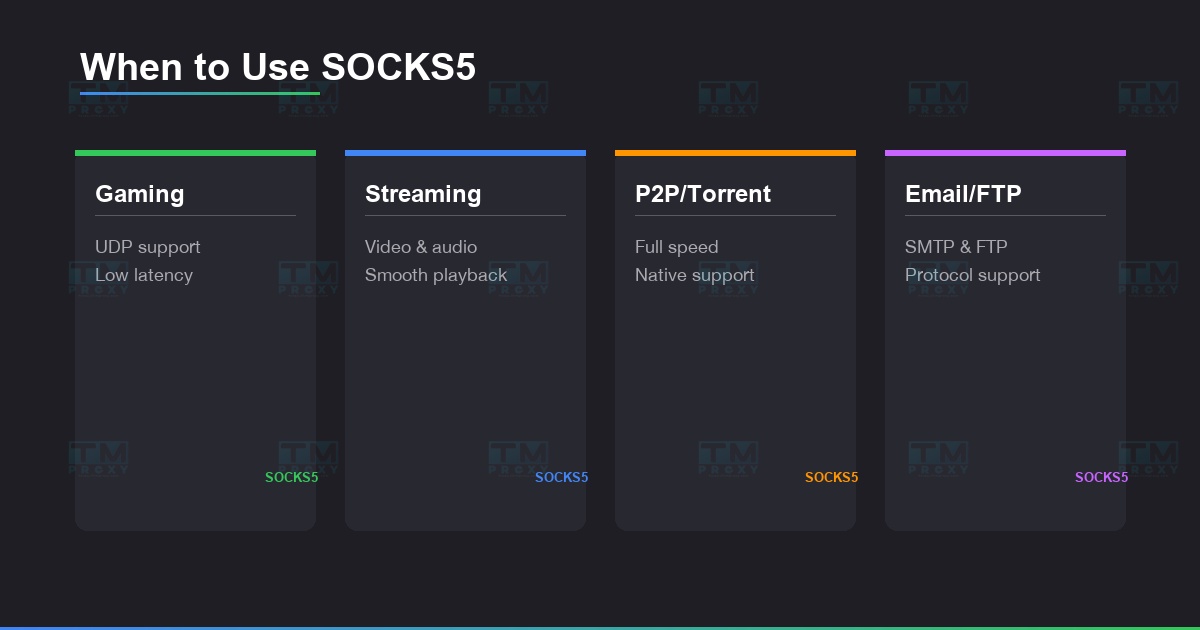
SOCKS5 is the choice when you need flexibility and high performance:
Gaming & Streaming
Online games use UDP protocol — HTTP proxy doesn't support it. SOCKS5 relays UDP traffic, reducing latency for gaming. Video streaming (Twitch, YouTube Live) also runs smoother with SOCKS5.
Torrent & P2P
SOCKS5 is the only protocol that efficiently supports P2P traffic. It doesn't interfere with data → download/upload speeds aren't reduced. Many torrent clients (qBittorrent, Deluge) natively support SOCKS5.
Email & FTP
Sending emails via SMTP or transferring files via FTP — SOCKS5 handles these seamlessly. HTTP proxy doesn't support these protocols.
Advanced Firewall Bypass
Some firewalls only block HTTP traffic. SOCKS5 operates at a lower layer and can bypass many filtering systems that HTTP proxy cannot.
Maximum Security
SOCKS5 doesn't read or modify data — it only relays. No risk of the proxy injecting ads or monitoring request content. Combined with separate encryption (SSH tunnel), it creates a double security layer.
Can You Use Both?
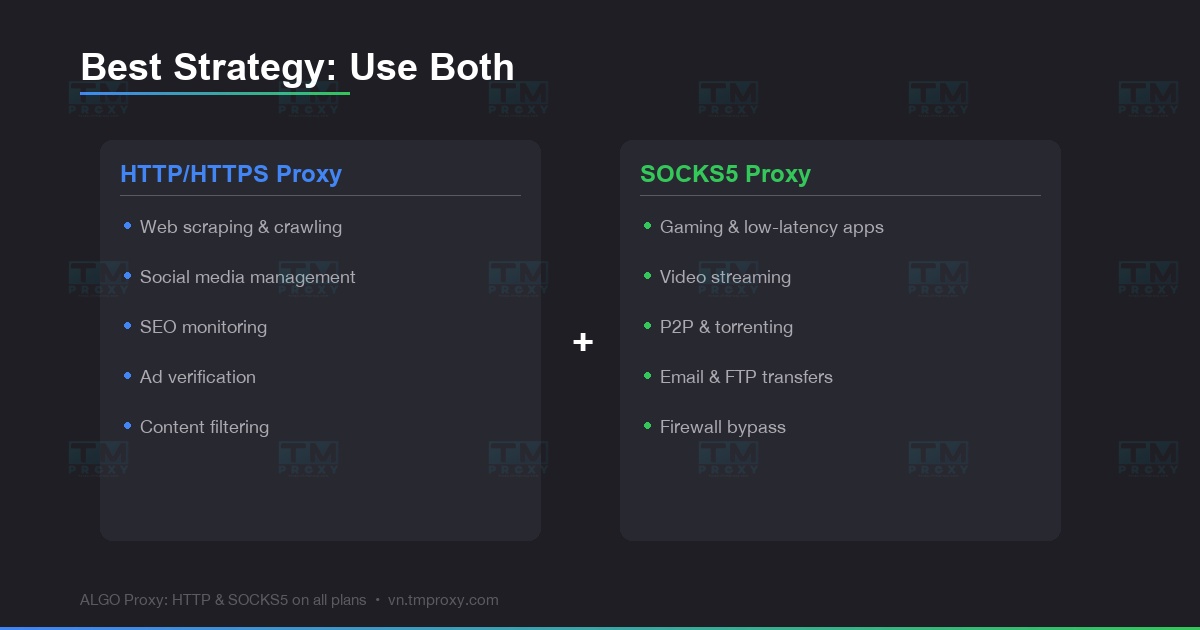
Absolutely — and that's the optimal strategy for many teams:
Most Common Combo
- HTTP proxy for web scraping and social media management
- SOCKS5 for automation tools, gaming bots, and streaming
TMProxy Supports Both
TMProxy provides both HTTP/HTTPS and SOCKS5 on all proxy plans:
- Residential Proxy — HTTP & SOCKS5, 100+ countries
- Mobile Proxy 4G/5G — HTTP & SOCKS5, sticky sessions up to 24h
- Datacenter Proxy — HTTP & SOCKS5, unlimited bandwidth
- Flexible switching — same subscription, use whichever protocol you need
- API integration — automatically switch proxy protocol per workflow
Get started at https://vn.tmproxy.com/ — HTTP and SOCKS5 support on all plans.
Conclusion: No protocol is "better" — only more suitable for your use case. HTTP proxy is simple and effective for web traffic. SOCKS5 is flexible and powerful for all traffic types. Understand the difference, pick the right tool, and you'll optimize both performance and cost.