





A GPU (Graphics Processing Unit) is a specialized processor designed for graphics rendering and parallel computing. This article helps you understand how GPUs work, their role, practical applications, and the differences between GPU and CPU.
High-Speed Proxy - Ready to Try?
ALGO Proxy offers residential, datacenter & 4G proxies in 195+ countries
What is a GPU?
A GPU, short for Graphics Processing Unit, is a specialized processor designed to handle graphics tasks and parallel computing. Simply put, a GPU is the "brain" of a graphics card, responsible for processing images, video, and complex graphical effects for display on screen.
Unlike a CPU (Central Processing Unit) — the central processor that handles general tasks for the entire system — a GPU focuses on processing large volumes of data simultaneously at very high speeds. This makes GPUs ideal tools for applications that demand complex graphics processing, such as gaming, graphic design, video editing, and artificial intelligence applications.
How GPUs Work
Parallel Architecture
GPU architecture is based on a parallel model, meaning it can process thousands of tasks at the same time. While a CPU has a limited number of processing cores and handles tasks sequentially, a GPU is equipped with thousands of small processing cores, each capable of handling a portion of the workload.
Graphics Processing
The primary task of a GPU is graphics processing, which includes generating 2D and 3D images, rendering video, processing special effects, and creating complex graphical scenes. This process involves calculating geometric transformations, lighting, shadows, and surface textures.
Graphics Processing Pipeline
GPUs use a series of processing stages called the graphics processing pipeline:
- Vertex Shading: Processes the vertices of 3D shapes.
- Rasterization: Converts 3D shapes into 2D pixels.
- Pixel Shading: Processes the attributes of each pixel, such as color, brightness, and transparency.
- Texture Mapping: Applies surface textures to objects.
- Blending: Combines multiple image layers together.
General-Purpose Computing (GPGPU)
Beyond graphics processing, GPUs are also capable of performing general-purpose computations, known as GPGPU (General-Purpose computing on Graphics Processing Units). GPGPU is widely used in science, technology, finance, and healthcare thanks to its ability to process large datasets at extremely high speeds.
What is Cloud Computing? Features, Classification, and Benefits
Memory and Bandwidth
GPU memory is commonly known as VRAM (Video Random Access Memory). VRAM stores the graphical data needed for the GPU to process. VRAM bandwidth represents the data transfer speed between the GPU and VRAM — the higher it is, the faster the GPU can process data.
Communication with CPU
GPUs typically communicate with the CPU through the PCI Express (PCIe) interface. This is a high-speed data communication standard that allows the CPU and GPU to exchange data quickly and efficiently.
Why are GPUs Important?
GPUs have become an indispensable part of many technology applications today. They not only improve graphics performance but also drive breakthroughs in numerous research and application fields.
History of GPUs
The development of GPUs originated from the growing demand for graphics applications in the 1970s and 1980s. Pioneering companies like Silicon Graphics and 3dfx made significant contributions — Silicon Graphics developed powerful 3D graphics systems for the professional market, while 3dfx created graphics cards for gamers.
Evolution of GPU Technology
Since their inception, GPUs have undergone remarkable advancements. In particular, the development of technologies such as NVIDIA's CUDA and OpenCL ushered in a new era of general-purpose computing on GPUs. Today, GPUs are not only used in graphics but also in machine learning, artificial intelligence (AI), and data science.
Practical Applications of GPUs

Video Gaming
Modern games often require complex graphics processing with special effects, expansive environments, and detailed characters. GPUs help create vivid and smooth gaming scenes.
Professional Visualization
GPUs are widely used in graphic design, video editing, architecture, and healthcare. For example, in healthcare, GPUs are used to process MRI and CT scan images, enabling more accurate diagnoses.
What is FileZilla? Advantages and Disadvantages of FileZilla Server
Machine Learning and AI
Machine learning algorithms often require enormous computational power. GPUs with their parallel computing capabilities have become the ideal solution, reducing model training time from hours to just minutes.
Blockchain Technology
GPUs are used to mine Bitcoin and other cryptocurrencies thanks to their parallel processing capability, solving complex cryptographic problems much faster than CPUs.
Simulation
GPUs are used in weather simulation, physical phenomena, chemical reactions, and fluid dynamics, producing accurate and detailed simulations.
Differences Between GPU and CPU
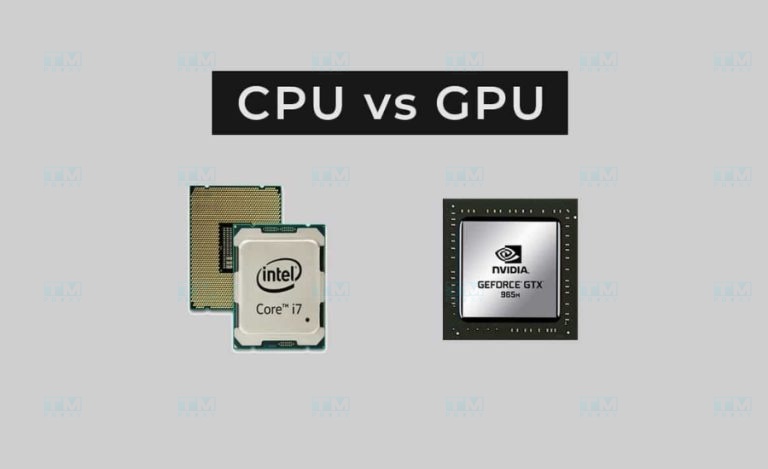
Differences in Function and Tasks
The CPU is considered the central "brain" of a computer, responsible for handling general tasks such as managing the operating system, applications, and system resources. The CPU processes sequentially with a few powerful cores. The GPU is designed specifically for graphics processing and parallel computing with thousands of small cores, processing many instructions at the same time.
When to Choose a Computer with a Powerful GPU
If you are a gamer, graphic designer, data scientist, or work in a field that requires graphics processing or parallel computing, you should choose a computer with a powerful GPU. For everyday tasks, an integrated onboard GPU should be sufficient.
Popular GPU Types on the Market
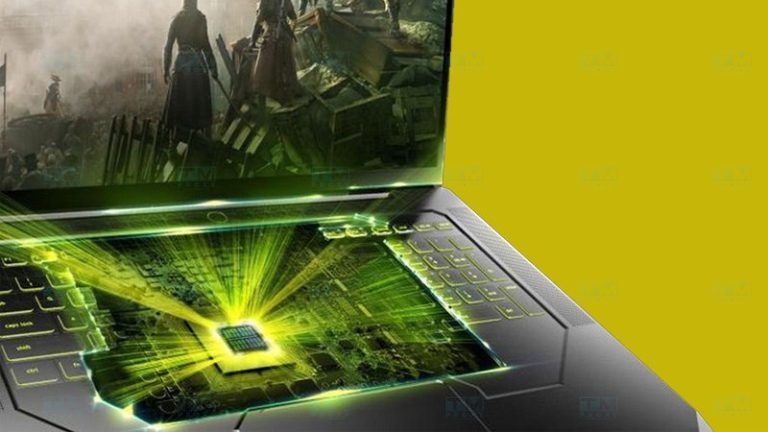
Integrated GPU
Integrated GPUs are built directly into the CPU chip, offering lower performance but saving energy. They are suitable for budget computers or basic laptops for everyday tasks.
Dedicated GPU
A dedicated GPU is a separate graphics card installed into a PCIe slot on the motherboard, offering much higher performance. It is suitable for gaming, graphic design, and professional work.
What is DHCP? An Overview of the IP Address Allocation Protocol
NVIDIA GeForce RTX
NVIDIA's premium graphics card series, supporting advanced technologies such as Ray Tracing and DLSS, enhancing the gaming experience and optimizing graphics performance.
AMD Radeon RX
AMD's graphics card series, known for competitive performance and affordable pricing, suitable for gamers and users who need a powerful GPU without spending too much.
Conclusion: GPUs are essential specialized processors used in many applications, from video gaming to AI and science. Understanding GPUs helps you make the right decisions when purchasing a computer.