





A Trojan (Trojan horse) is malicious software disguised as a harmless program to infiltrate systems. This article explains in detail how Trojans work, common types, signs of infection, and effective prevention measures.
High-Speed Proxy - Ready to Try?
ALGO Proxy offers residential, datacenter & 4G proxies in 195+ countries
What is a Trojan? Definition of a Trojan Horse
What is a Trojan? A Trojan, also known as Trojan malware, is a type of malicious software disguised as a harmless program or file to trick users into downloading and installing it on their systems. The name "Trojan" originates from the Greek myth of the Trojan Horse, where warriors hidden inside the horse infiltrated the enemy city after it was brought in as a gift.
Key Characteristics of Trojans
Unlike computer viruses, Trojans do not self-replicate or spread to other systems. Instead, they rely on user actions to infiltrate their systems. Once successfully infiltrated, a Trojan can perform various malicious activities, such as stealing personal information, taking control of the system, or turning the victim's computer into a bot in a botnet network.
How Trojans Work
Trojans typically spread through methods such as emails with malicious attachments, downloads from unsafe websites, or through applications of unknown origin. Once installed, the Trojan establishes a connection with the hacker's command-and-control server and begins executing malicious commands.
History and Evolution of Trojans
Trojan malware has existed for a long time and has gone through many different stages of development. In the early days of the internet, Trojans were usually simple software, but over time they have become increasingly sophisticated.
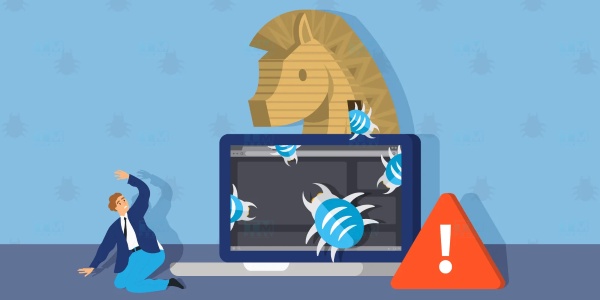
Early Stage of Trojans In the early days, Trojans were mainly used to perform simple destructive actions, such as deleting data or displaying unwanted advertisements. They were not yet powerful enough to cause serious damage to users.
Development in Recent Years In recent years, with the growth of e-commerce and online transactions, Trojans have become a primary tool for stealing financial and personal information. Hackers can now create complex Trojan variants that are harder to detect and capable of secretly collecting sensitive information.
Future Trends With the development of new technologies such as artificial intelligence and blockchain, future Trojans may become even more sophisticated. Therefore, raising cybersecurity awareness and updating protective measures is essential.
Causes Behind the Emergence of Trojans
There are many reasons behind the emergence of Trojan malware, often reflecting changes in society and user needs.

Profit Motive One of the main reasons Trojans have become prevalent is profit. Hackers seek to make money by stealing personal information, bank accounts, or other sensitive data from users.
Growth of Technology The rapid development of technology and the internet has also created many security vulnerabilities that hackers can exploit. This has created a favorable environment for the development of malware, including Trojans.
Lack of Cybersecurity Knowledge Many users still lack sufficient knowledge about cybersecurity and the potential risks of using the internet. This lack of awareness makes them easy targets for Trojan attacks.
How to Identify Trojan Malware
Early identification of Trojans can help limit damage and protect your system. Below are some signs you may notice if your computer is infected with a Trojan.
Decreased System Performance If you notice your computer running sluggishly or frequently freezing, this could be a sign that your system has been infected with a Trojan. Trojans can consume system resources and reduce computer performance.
Appearance of Unknown Programs When you see programs of unknown origin launching at system startup or running silently in the background, be cautious as this may indicate the presence of a Trojan.
Unstable Network Connection Trojans can establish connections with the hacker's command-and-control server, leading to internet interruptions or significantly reduced network speeds.
Forms of Trojan Malware Activity
Trojans have various forms of activity depending on the hacker's objectives. Below are some common forms of Trojan activity.
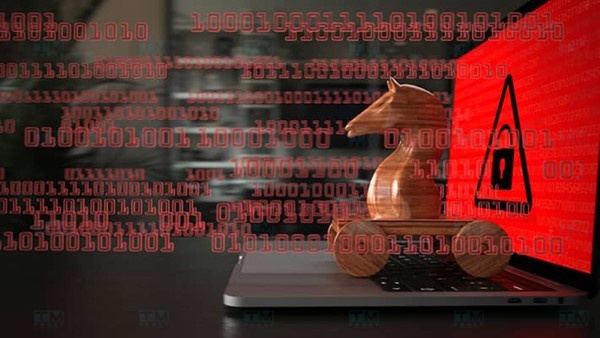
Information Theft Trojans are commonly used to collect sensitive user information, including passwords, credit card details, and browsing history. The ultimate goal is identity theft or financial fraud.
System Control Beyond stealing information, Trojans can also allow hackers to gain complete control of the victim's system. This can include installing other malicious software, deleting important data, or changing system settings.
Participating in Cyber Attacks Some types of Trojans can turn the victim's computer into a bot in a botnet network, participating in DDoS attacks aimed at crippling target websites or systems.
How Trojan Malware Operates
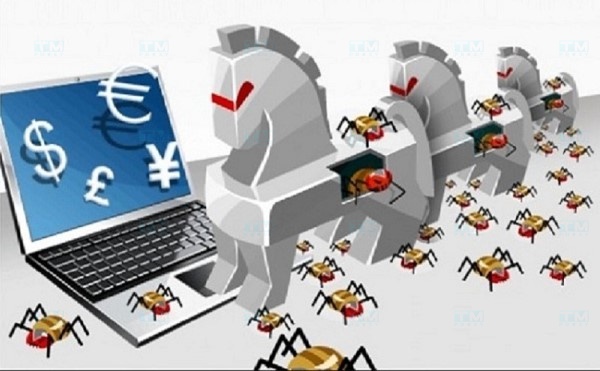
The operation mechanism of a Trojan can be broken down into the following key steps:
Infection Trojans typically spread when users download malicious email attachments, visit infected websites, or install software of unknown origin.
Infiltration and Establishing Connection After successful installation, the Trojan infiltrates the system and establishes a connection with the hacker's command-and-control server. From here, hackers can send commands to carry out malicious activities.
Executing Malicious Commands Hackers can use the Trojan to perform various malicious activities, as mentioned above. Recording user activity is also part of this process.
Covering Tracks Some Trojans have the ability to automatically erase their traces after executing malicious commands, making detection and removal more difficult.
Common Types of Trojans Today
Trojans are classified based on their functions and purposes. Below are some common types of Trojans you may encounter.
Trojan Backdoor
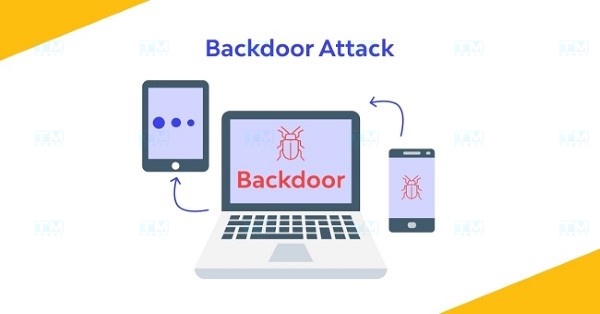
A Trojan Backdoor creates a backdoor on the user's system, allowing hackers to access and control the system without going through normal authentication. This makes protecting the system much more difficult.
Trojan Rootkit
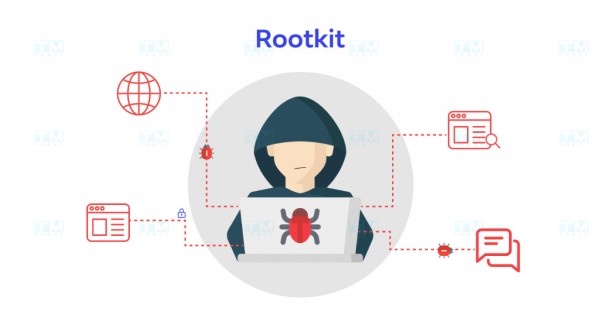
A Trojan Rootkit is designed to hide its presence on the system, making detection and removal extremely difficult. Rootkits can interfere with the operating system and change how the system reports its status.
Trojan Downloader
A Trojan Downloader is primarily used to download other malicious code onto the victim's system. After installation, it can pull in a series of other malware types, increasing the level of danger.
Trojan Banker
A Trojan Banker is specifically designed to target users' financial information. This type of Trojan typically steals online banking login credentials and credit card information.
Other Types of Trojans
In addition to the types mentioned above, there are many other types of Trojans with distinct functions. They all share a common goal of causing harm and damage to victims.
Signs Your Computer is Infected with a Trojan
Early detection of Trojans is the best way to protect your system. Below are some signs that your computer may be infected with a Trojan.
Decreased System Performance If your computer runs slower than usual, this may be a sign that a Trojan is consuming resources.
What is Cloud VPS? Pros, Cons, and How to Create a Cloud VPS
Unknown Programs Appearing Be cautious of unfamiliar programs that appear when your computer starts up or run silently in the background.
Unstable Network Connection If your internet is interrupted without reason, there is a high probability that a Trojan is communicating with the hacker's command-and-control server.
Prevention and Protection Measures Against Trojans
To protect your system from Trojan threats, apply the following prevention measures.
Update Software Regularly Always update your operating system, antivirus software, and web browser to patch security vulnerabilities.
Be Careful When Downloading Files Only download files from trusted sources and check before opening email attachments.
Use Antivirus Software Install and use reputable antivirus software to scan for and remove malware.
Top 7 Effective Trojan Removal Software
Below are some Trojan removal software options you can consider to protect your system.
Kaspersky Anti-virus
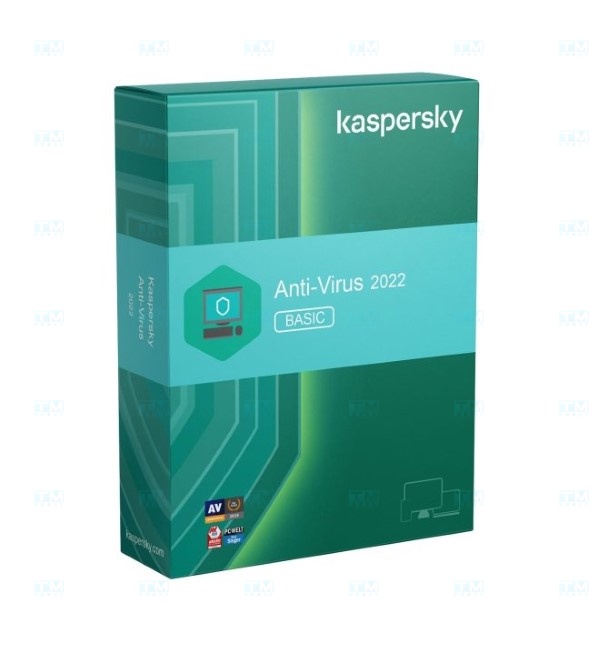
Kaspersky is one of the most renowned firewall and antivirus systems, with the ability to effectively detect and remove Trojans.
ESET Nod32
ESET Nod32 provides a comprehensive security solution with deep scanning support for various types of malware.
AVG
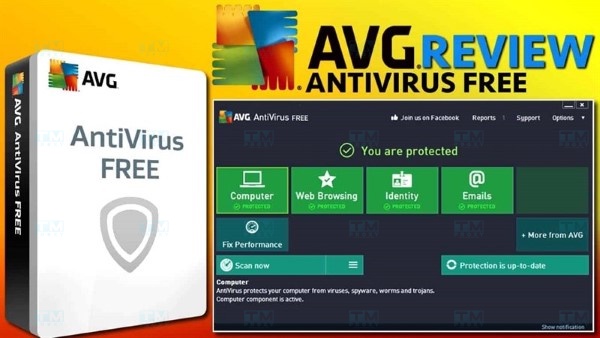
AVG offers fast and effective detection of Trojans and other types of malware.
Avast
Avast is also an excellent choice with many advanced security features and a user-friendly interface.
Norton
Norton is one of the biggest names in the security industry, with reliable Trojan detection and removal capabilities.
Bitdefender
Bitdefender stands out with its multi-layered protection and flexible scanning features.
Avira
Avira provides an effective free security solution with support for detecting Trojans and other types of malware.
Frequently Asked Questions About Trojan Malware
Trojans are a hot topic in the cybersecurity field. Below are some frequently asked questions that users may be interested in.
Does a factory reset help remove Trojans?
A factory reset can help remove some types of malware but does not guarantee complete removal of Trojans. Always use antivirus software to scan your system.
Trojan Remover
Trojan Remover is specialized software designed to detect and remove Trojans from your system.
{{< test-result title="Comparison of Common Malware Types" headers="Criteria|Trojan|Virus|Worm|Ransomware|Spyware" row1="Self-replicating|No|Yes|Yes|No|No" row2="Requires user action|Yes|Yes|No|Yes|Yes" row3="Primary purpose|Backdoor, theft|Destruction|Spreading|Encryption for ransom|Surveillance" row4="Disguise|Yes (mimics software)|No|No|Possible|Yes" row5="Difficulty of detection|High|Medium|Low|Low (after encryption)|High" row6="Examples|Emotet, Zeus|ILOVEYOU|WannaCry worm|WannaCry ransom|Pegasus" />}}
Conclusion: Trojans are a serious threat to cybersecurity, with the ability to steal information, control systems, and participate in cyber attacks. Understanding the types of Trojans, signs of infection, and prevention measures is essential to staying safe in the digital world.